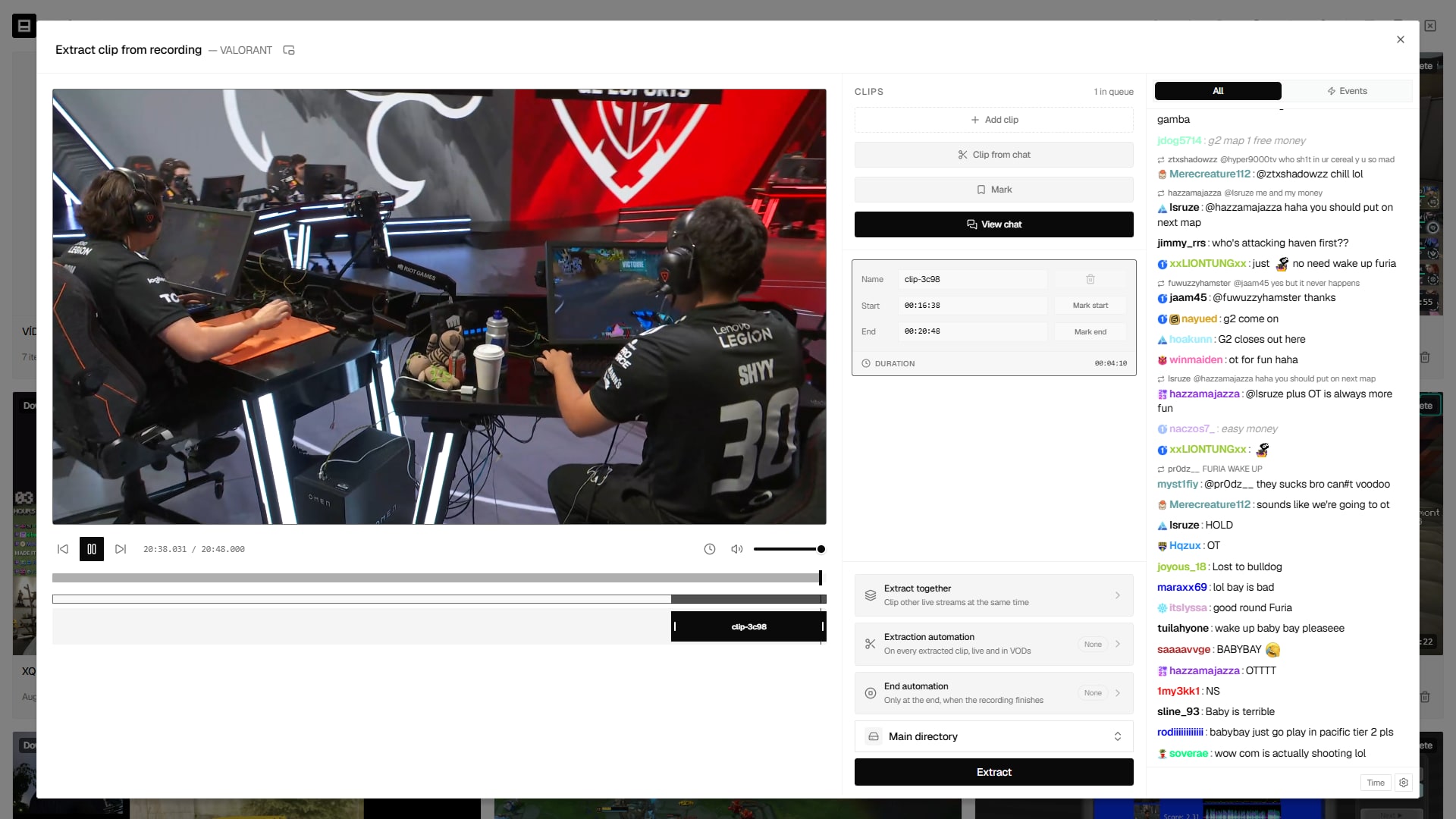
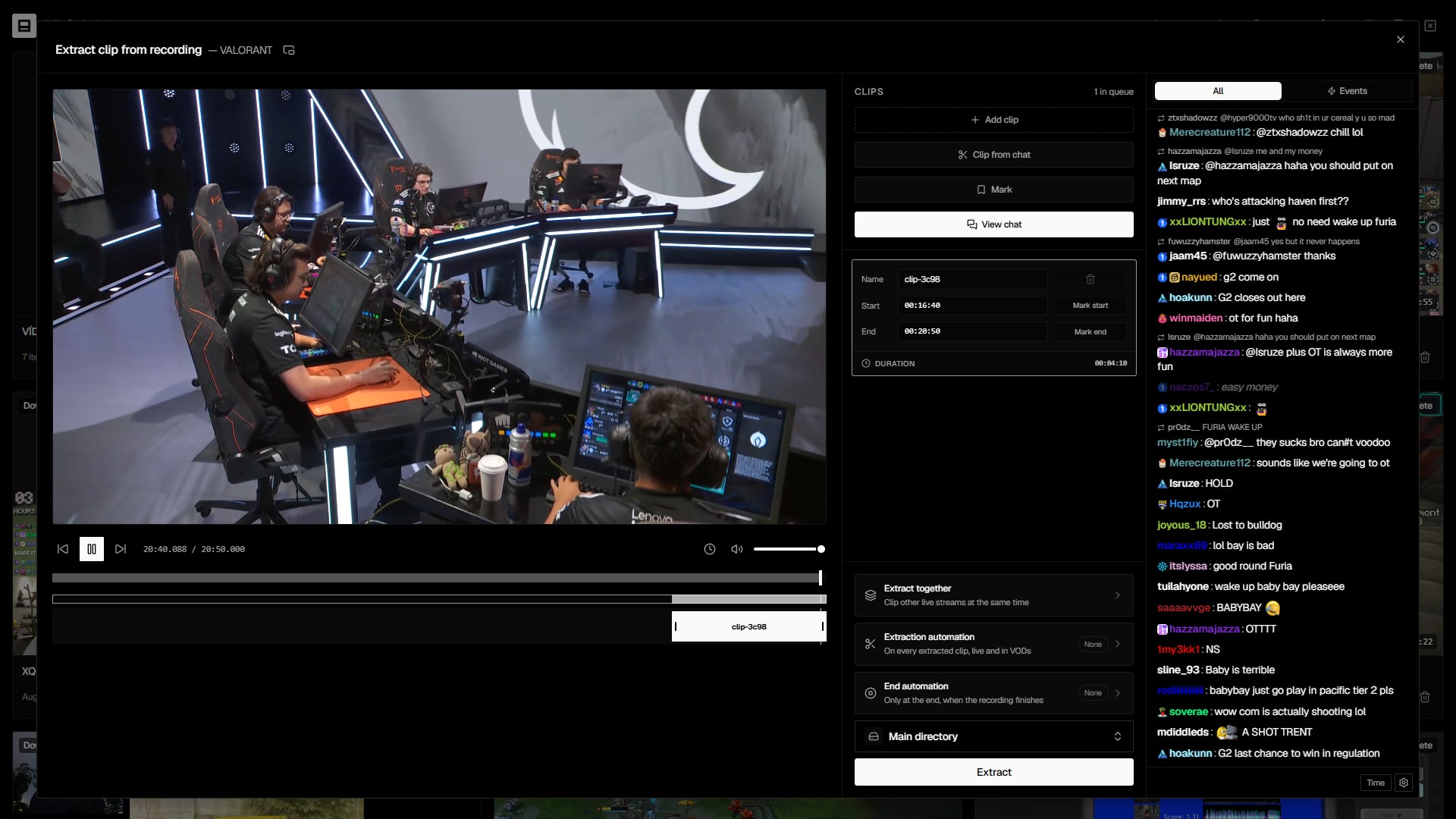
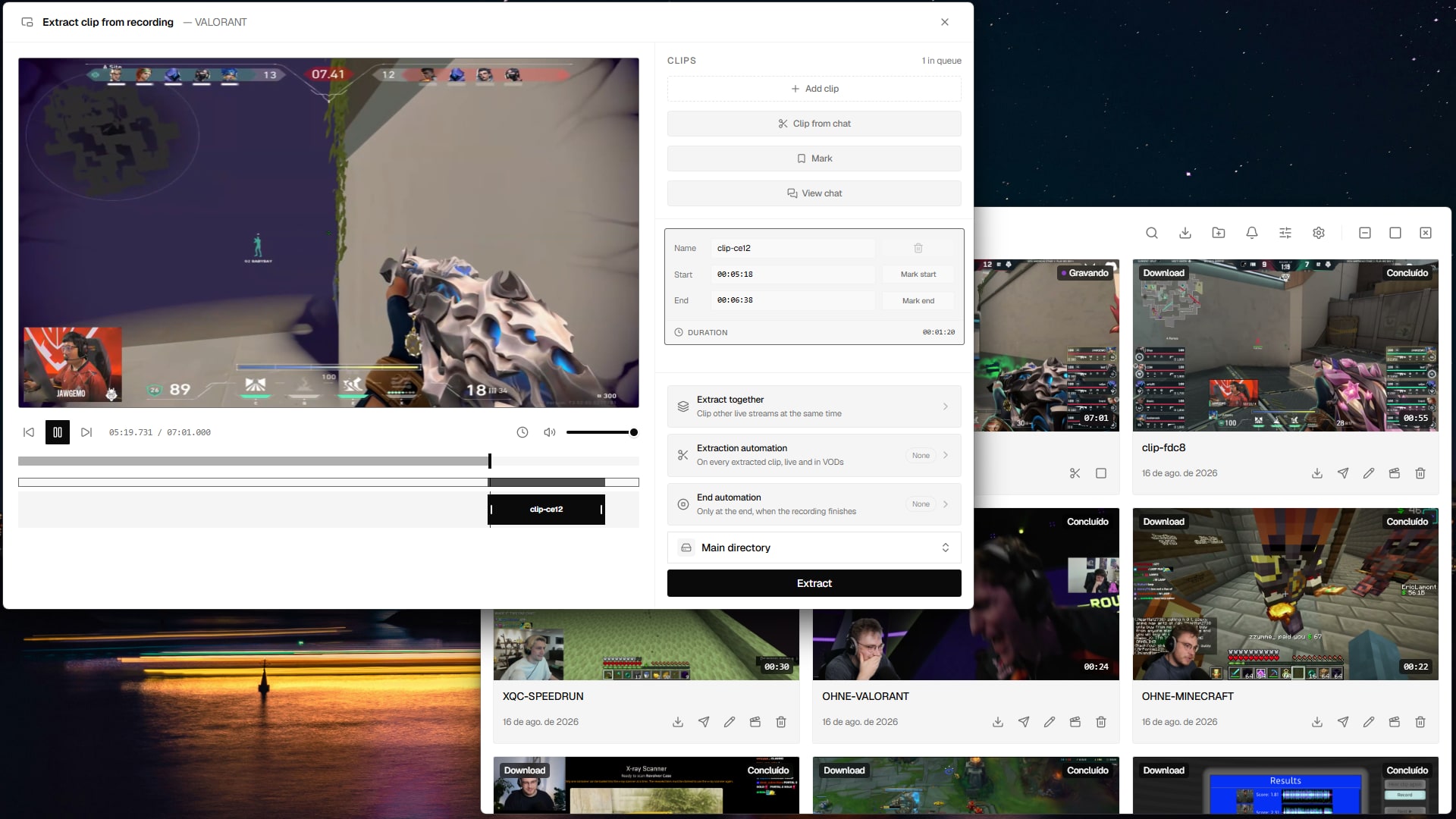
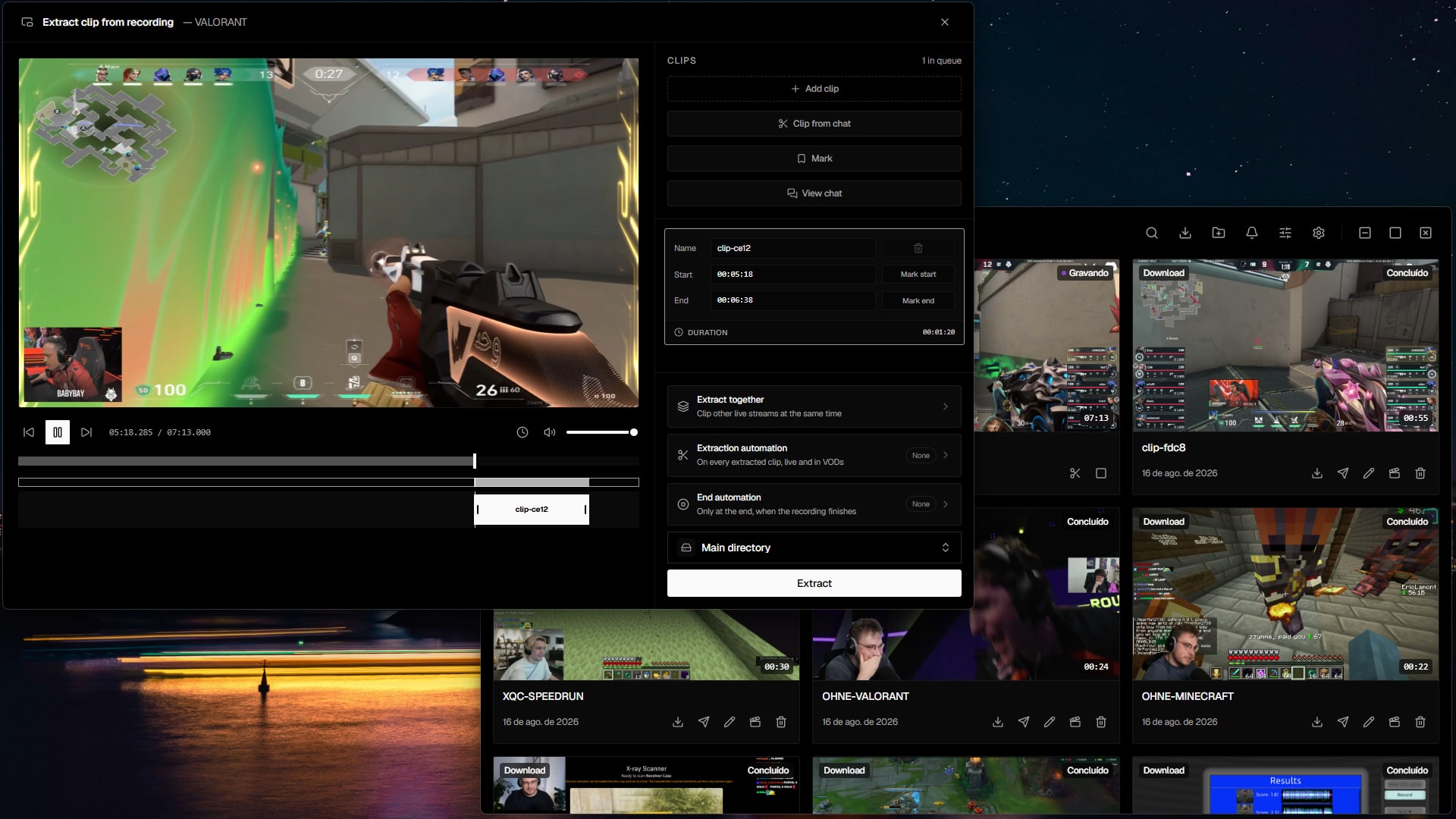
Download. Cut. Publish.

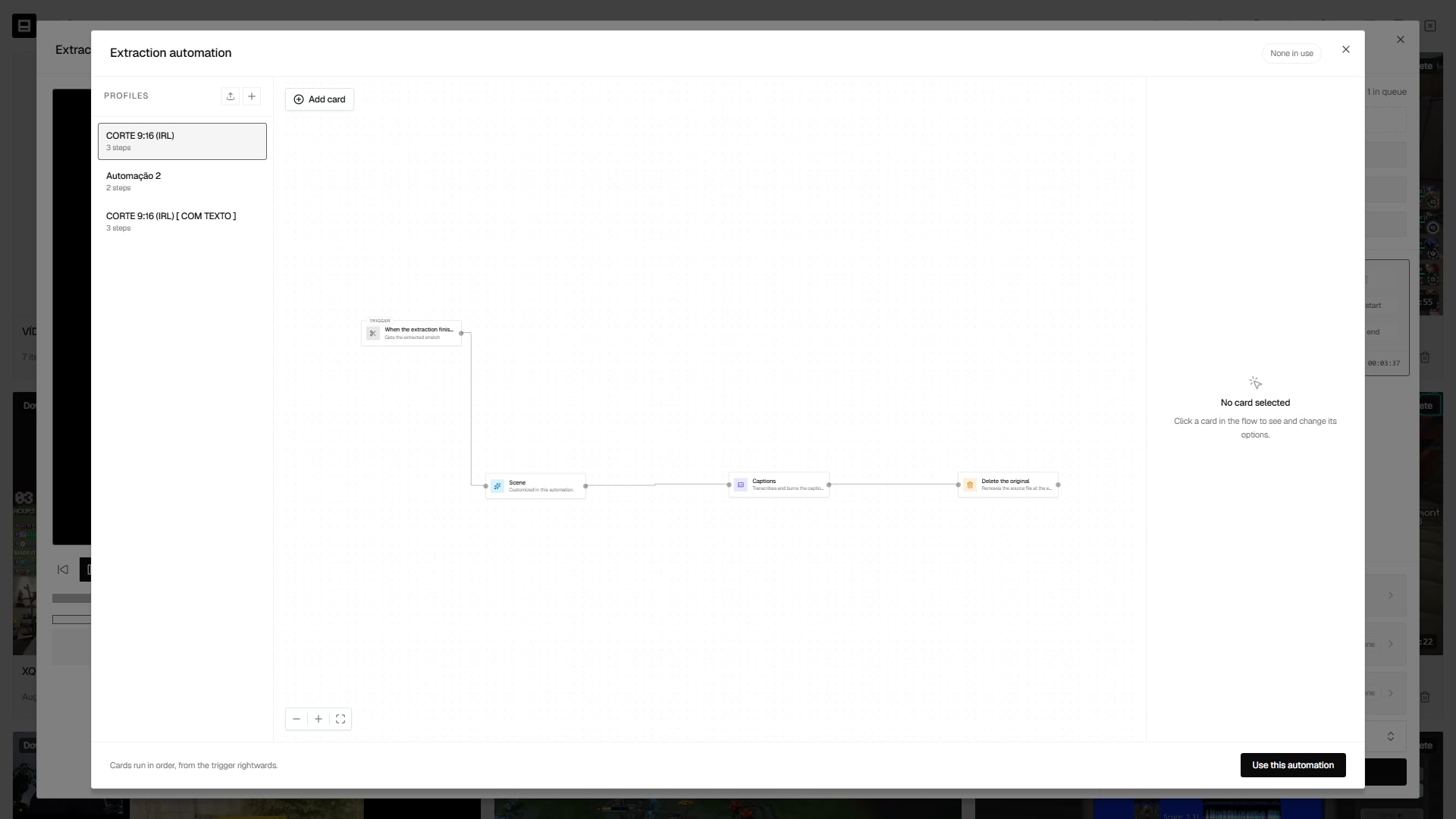
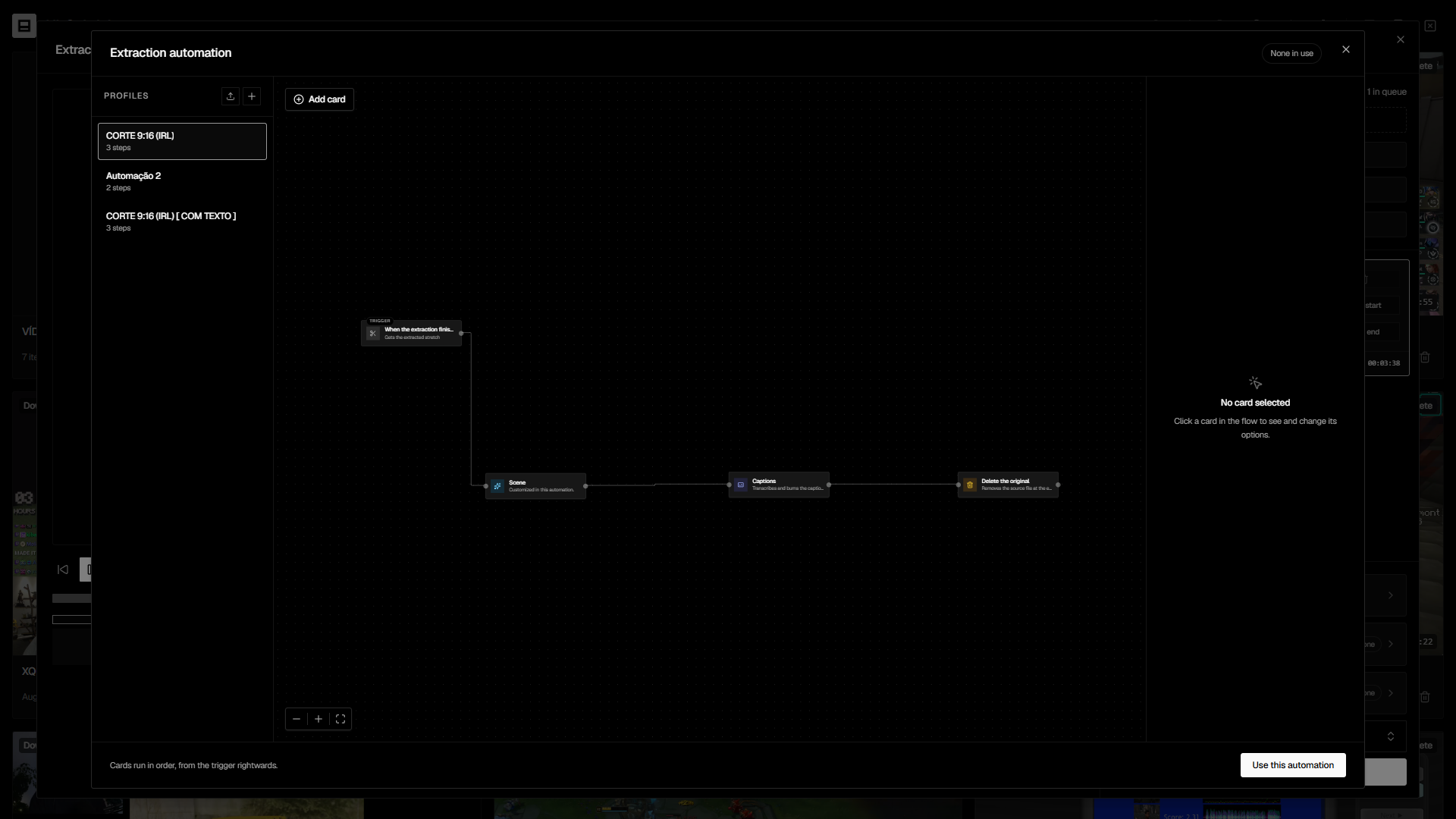
Clipaisso is the desktop studio that downloads, records, cuts into vertical 9:16, and publishes to 10 networks — all in one window, without juggling a dozen tools.

Clipaisso
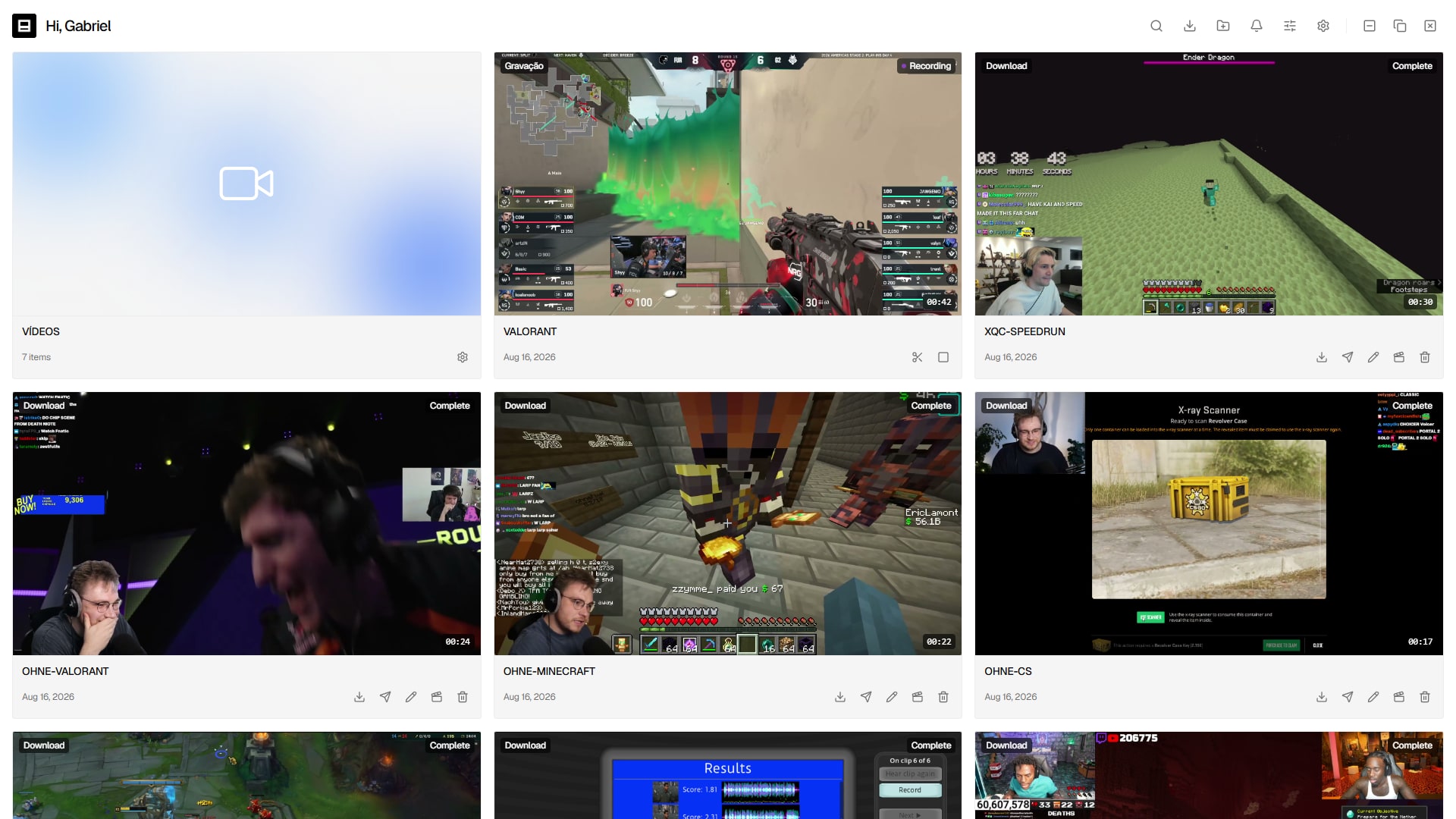
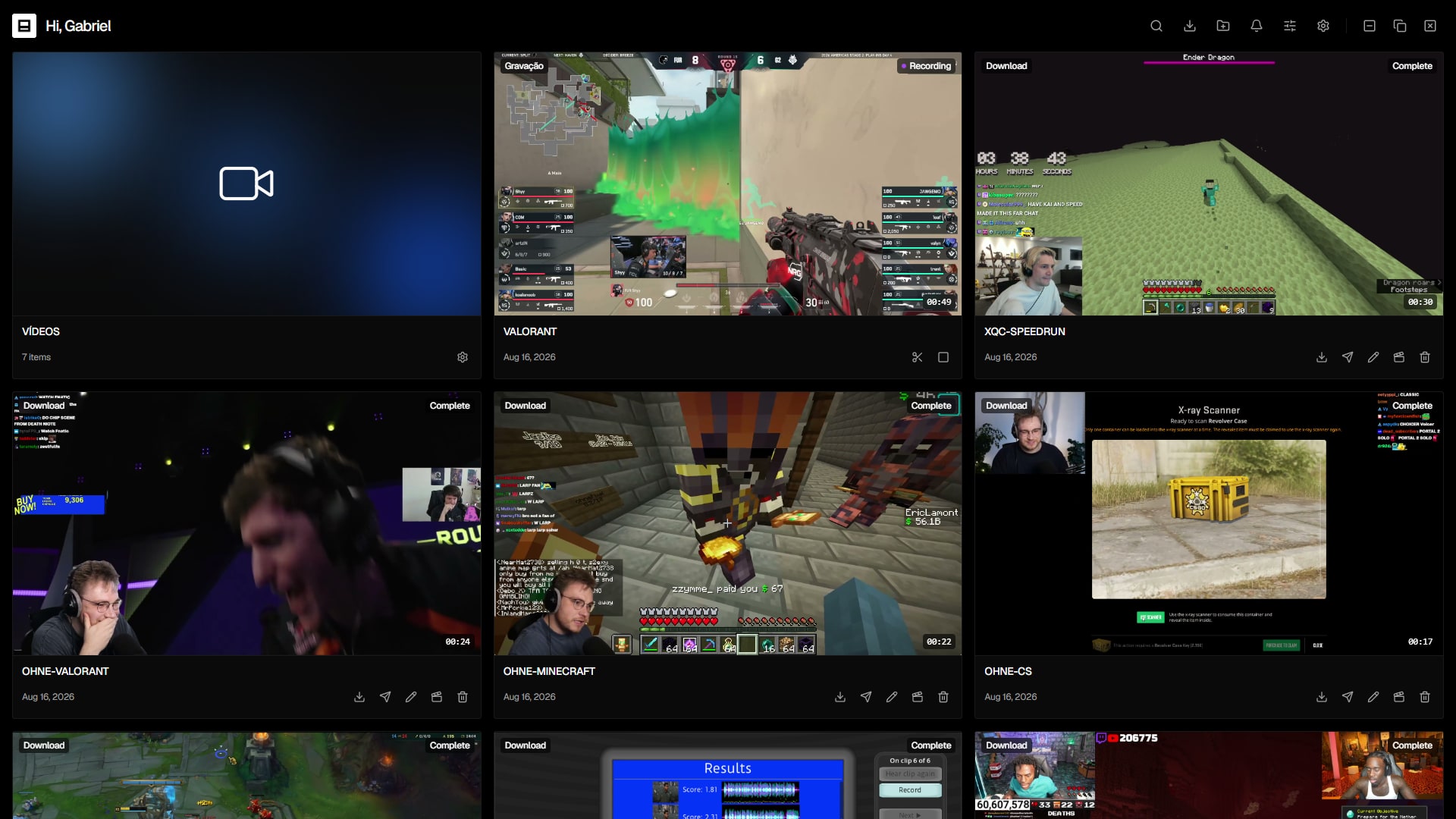
Hi, creatorManage your videos, recordings and downloads.
Clip 1VODComplete00:42

Clip 1

Twitch
Clip 2DownloadComplete12:08

Clip 2

Youtube
Clip 3RecordingRecording01:57:33

Clip 3

Kick
Clip 4EditedComplete00:59

Clip 4

Edited
Clip 5UploadComplete03:21

Clip 5

Upload
Clip 6RecordingRecording00:08

Clip 6

Twitch

Works with the platforms you already use

TwitchYouTubeKickYouTubeInstagramTikTokXLinkedInFacebookThreadsPinterestRedditBlueskyTwitchYouTubeKickYouTubeInstagramTikTokXLinkedInFacebookThreadsPinterestRedditBluesky
How it works

Three steps from stream to post

No exporting between apps, no re-encoding by hand. Capture, edit and publish all live in the same window.

  1. 01

    Capture

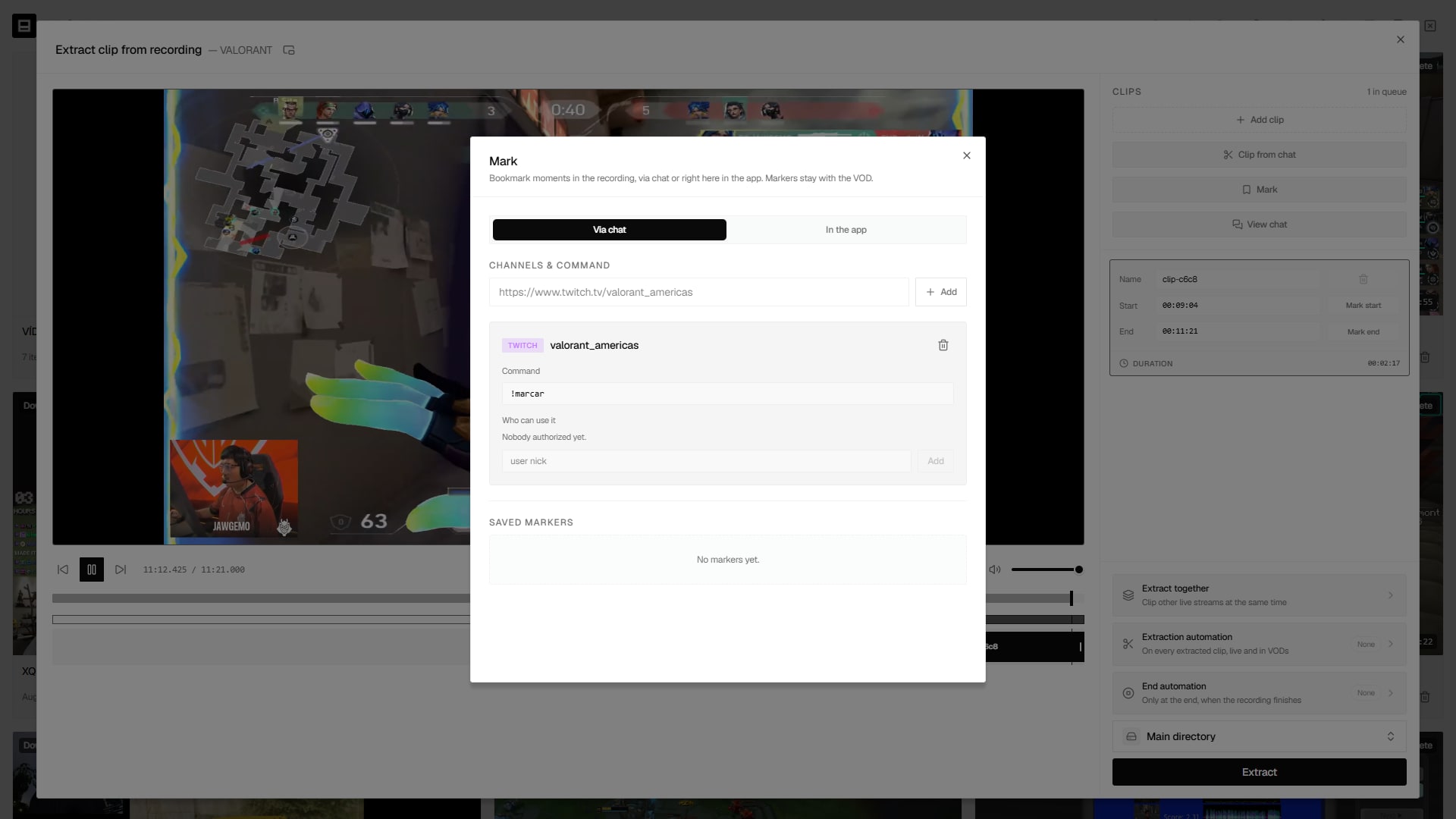
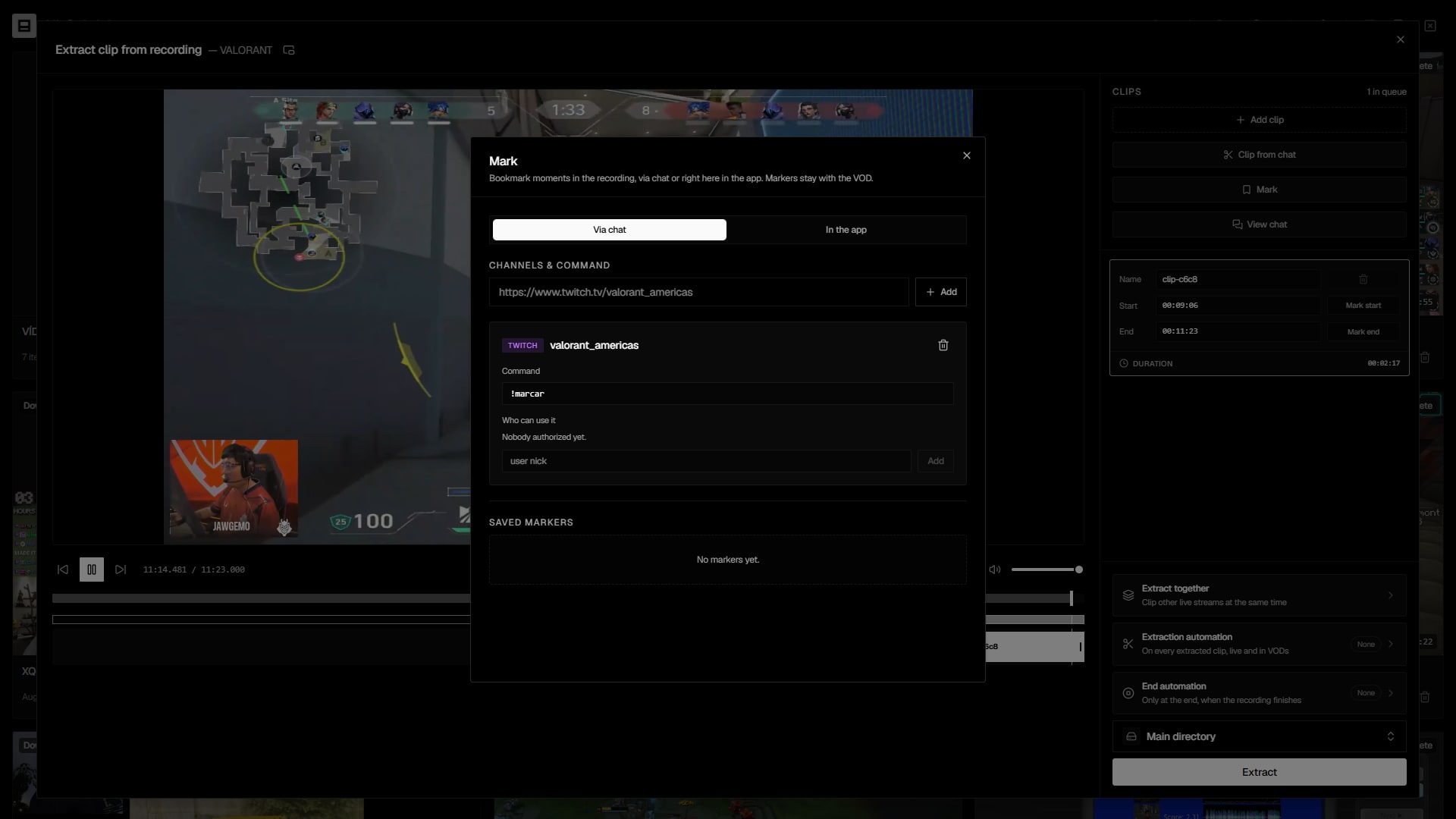
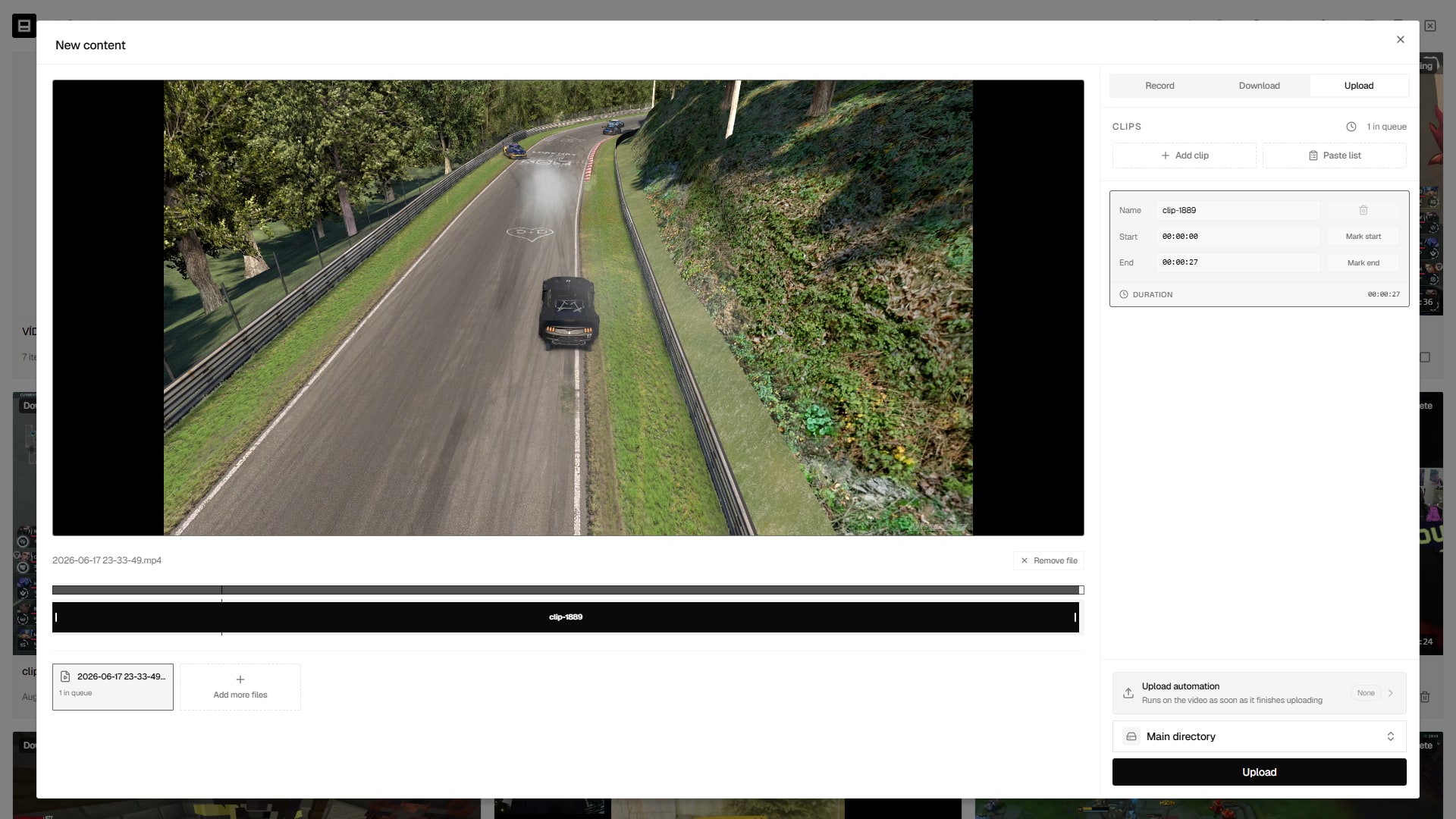
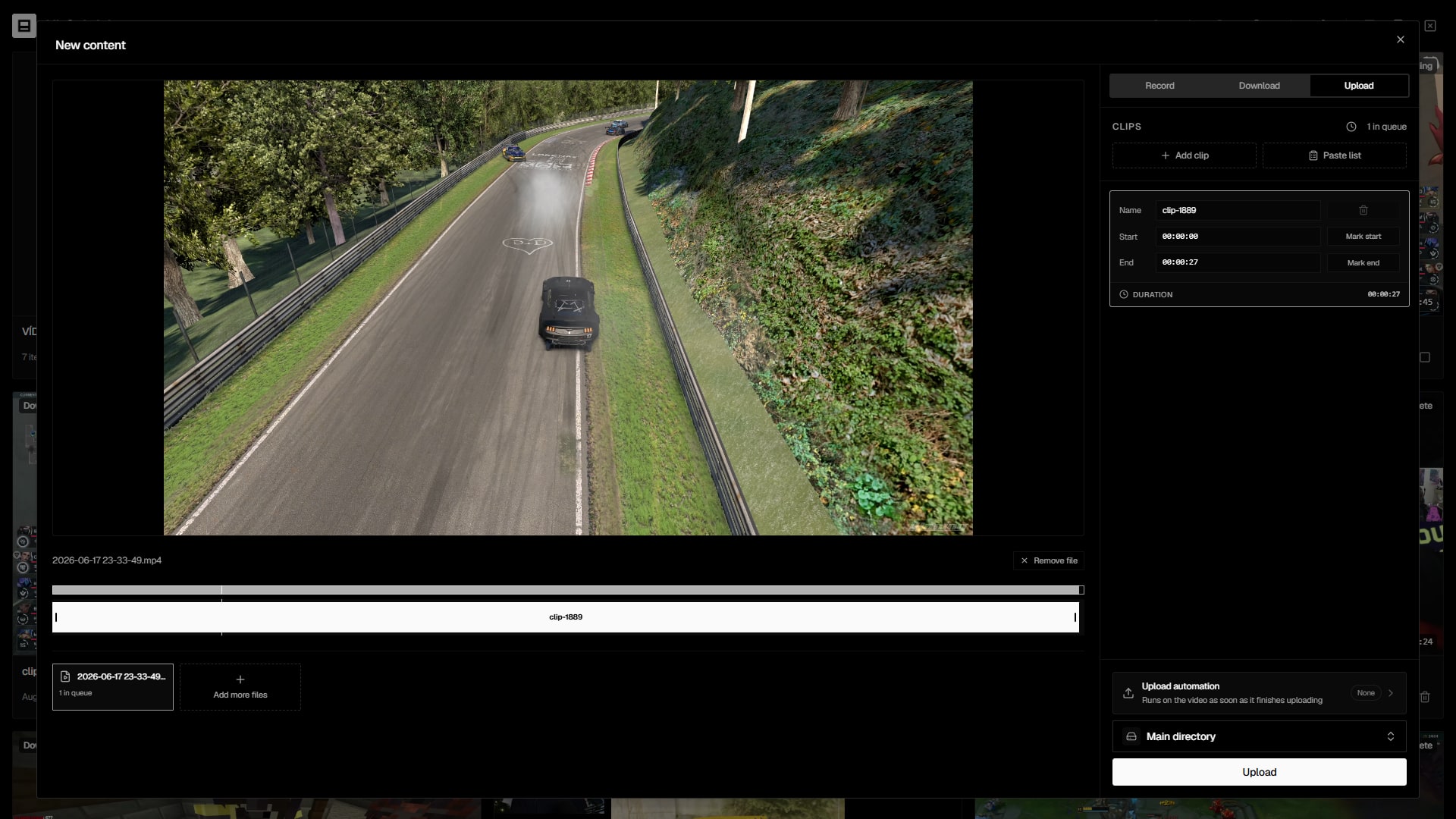
    Download a VOD, record a live as it happens, or drop in your own files.

  2. 02

    Edit vertical

    Cut, compose the 9:16 frame, add captions and overlays, animate with keyframes.

  3. 03

    Publish

    Send the finished clip to up to 10 networks at once — now or scheduled.

Everything in one window

From the live stream to the vertical clip

Each step of the clip pipeline is a first-class feature — not an afterthought bolted onto a generic editor.

Download & recording

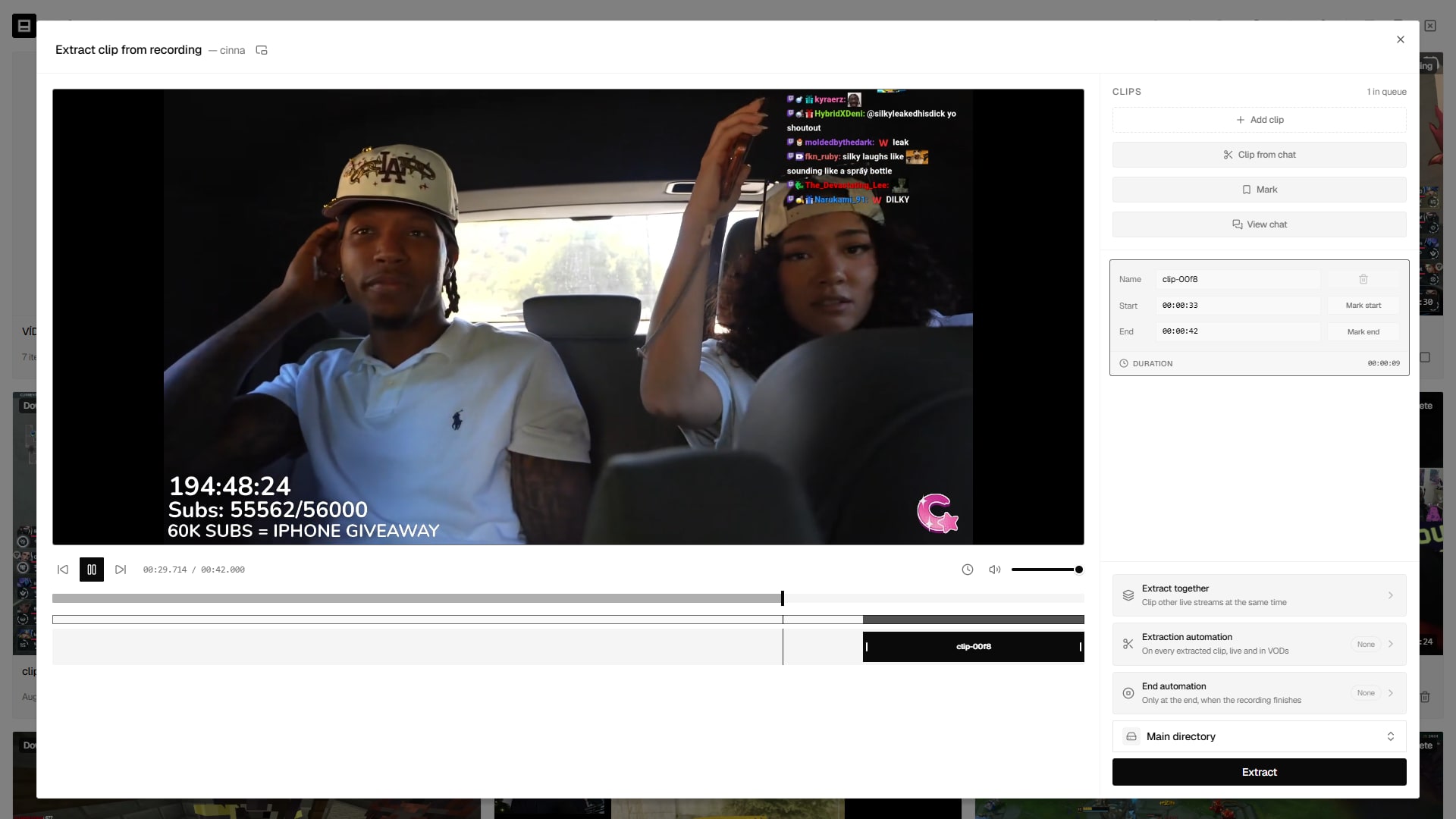
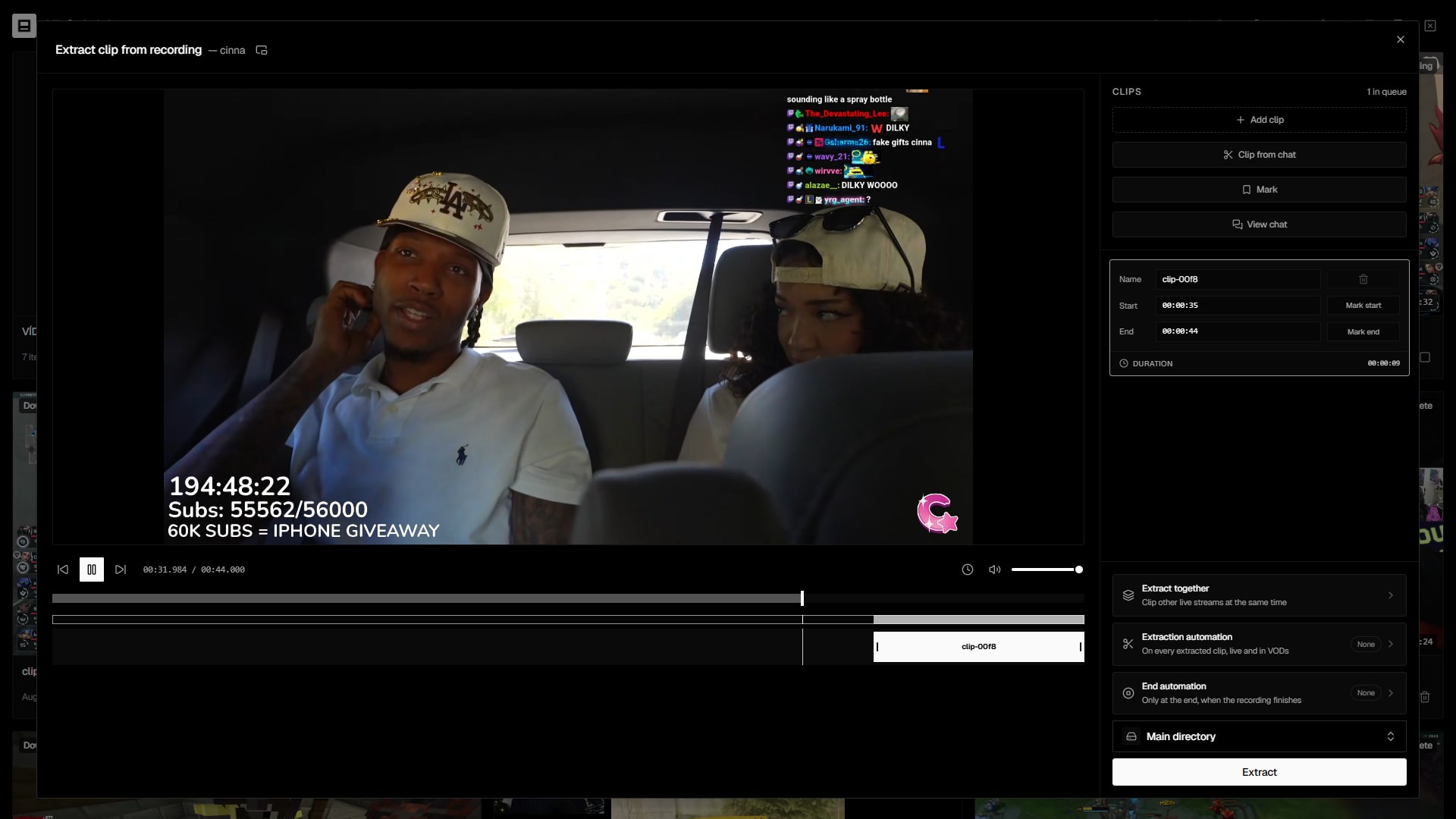
Grab any video or live, with cuts set right at download

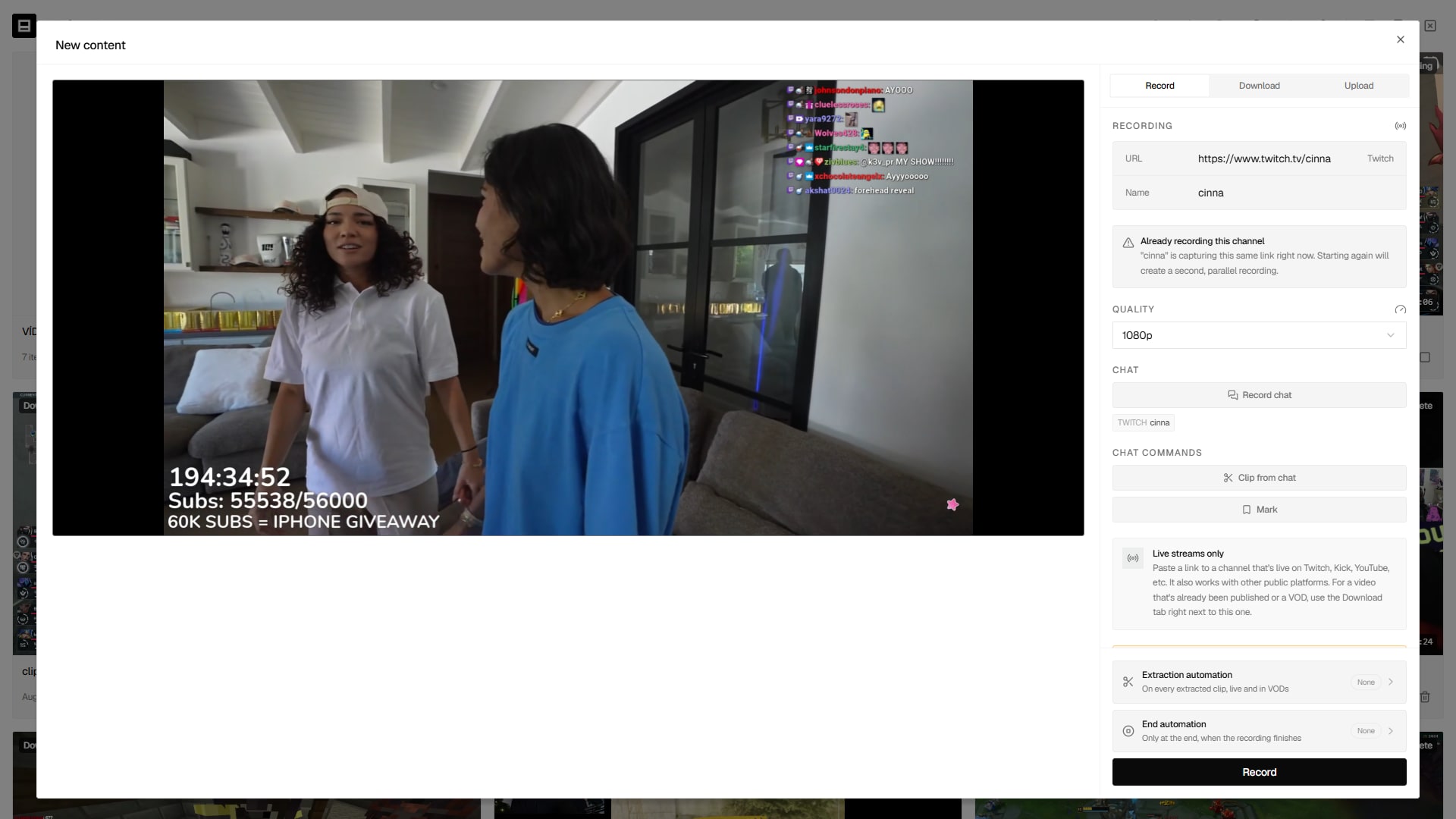
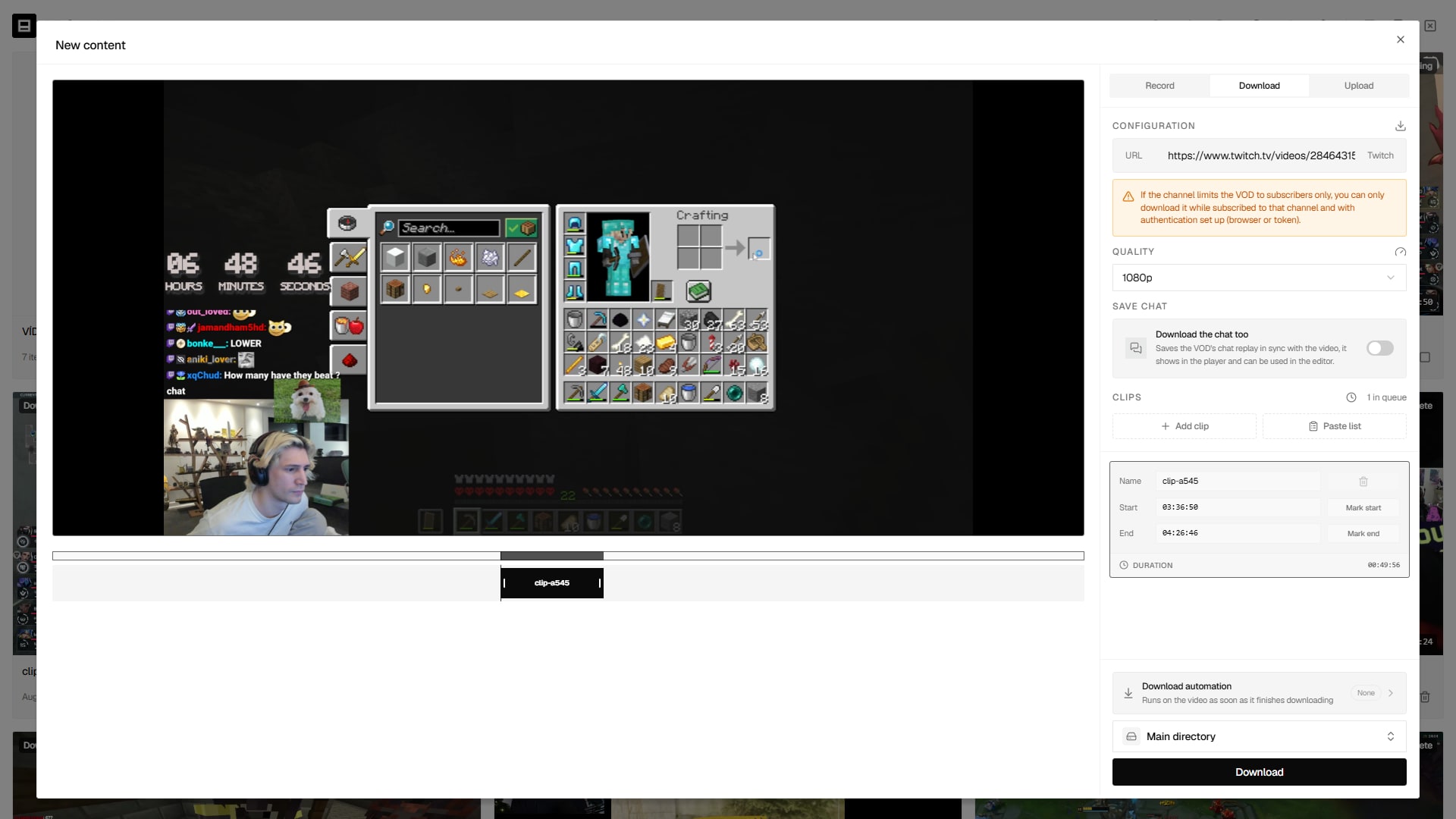
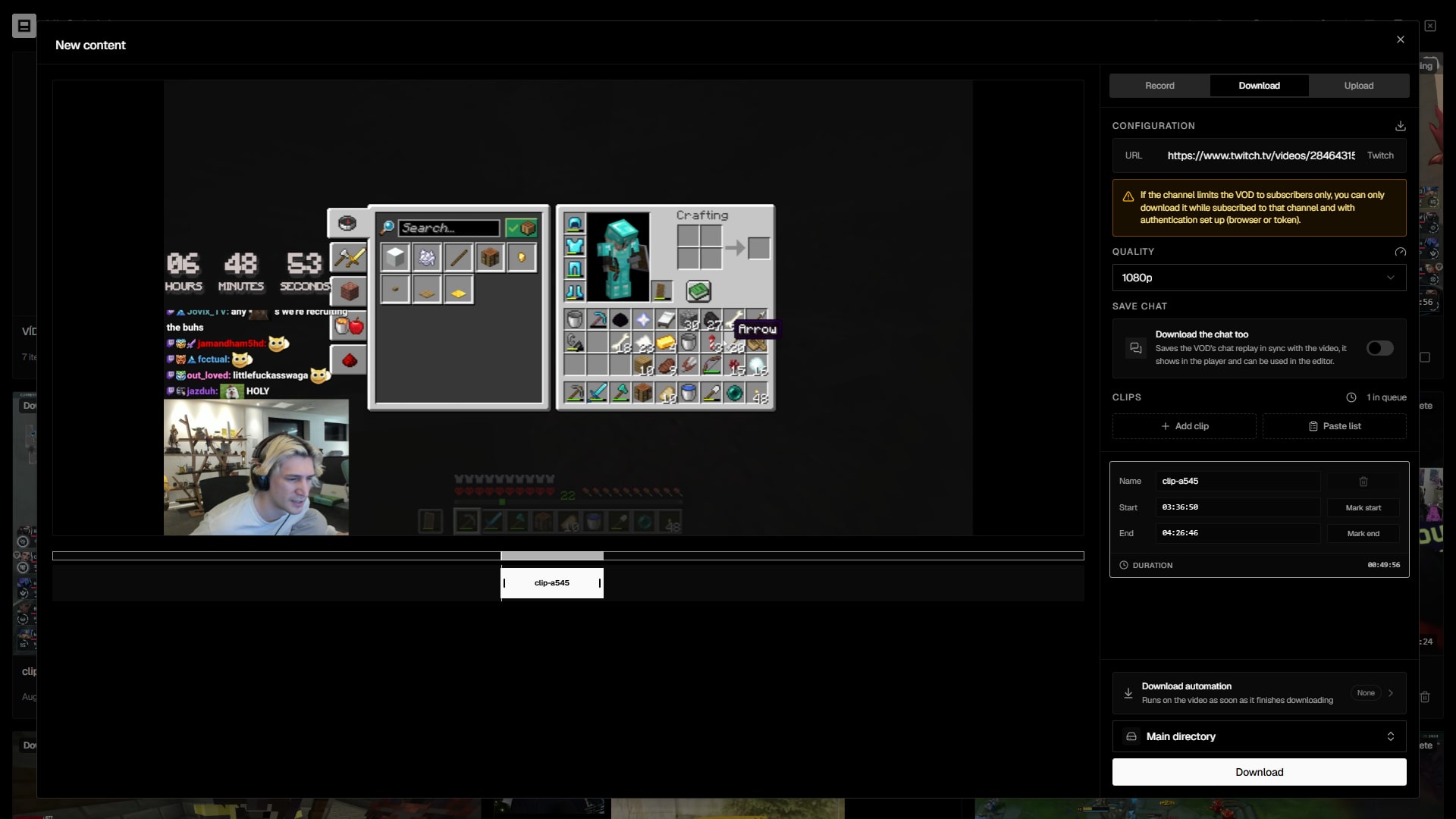
Paste a link and Clipaisso pulls the video automatically. Mark several cuts on the timeline before it even downloads, or paste an entire list of timestamps. Live streams are captured in real time and become a VOD when they end.

  • Visual timeline for YouTube videos and Twitch VODs
  • Paste a list of cuts and generate many clips at once
  • Twitch token unlocks subscriber-only content
https://twitch.tv/videos/…
CutsAdd clip
Clip 100:01:3000:02:00
Clip 200:14:2200:14:51
Clip 300:48:0500:49:10
Live monitoring

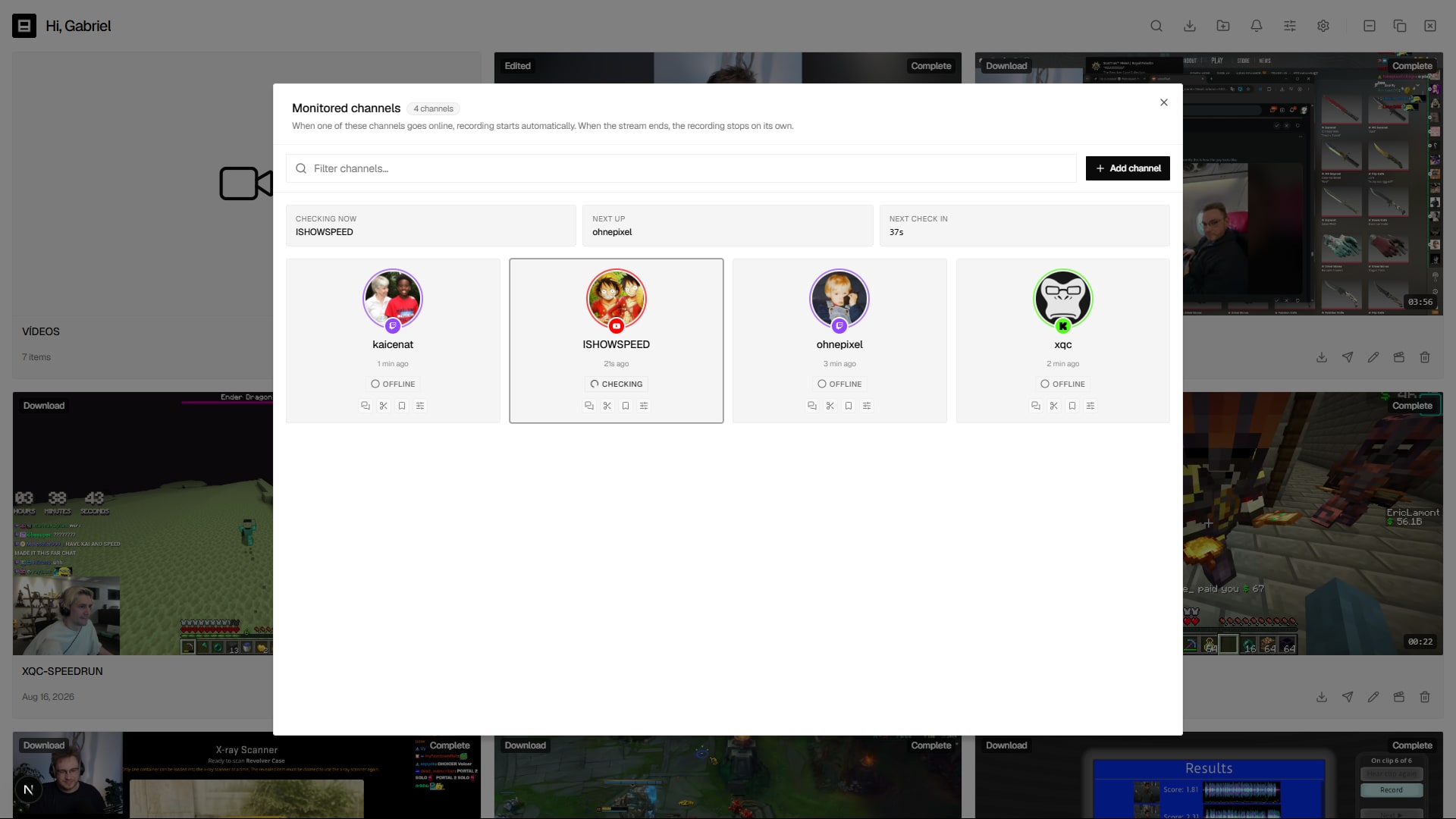
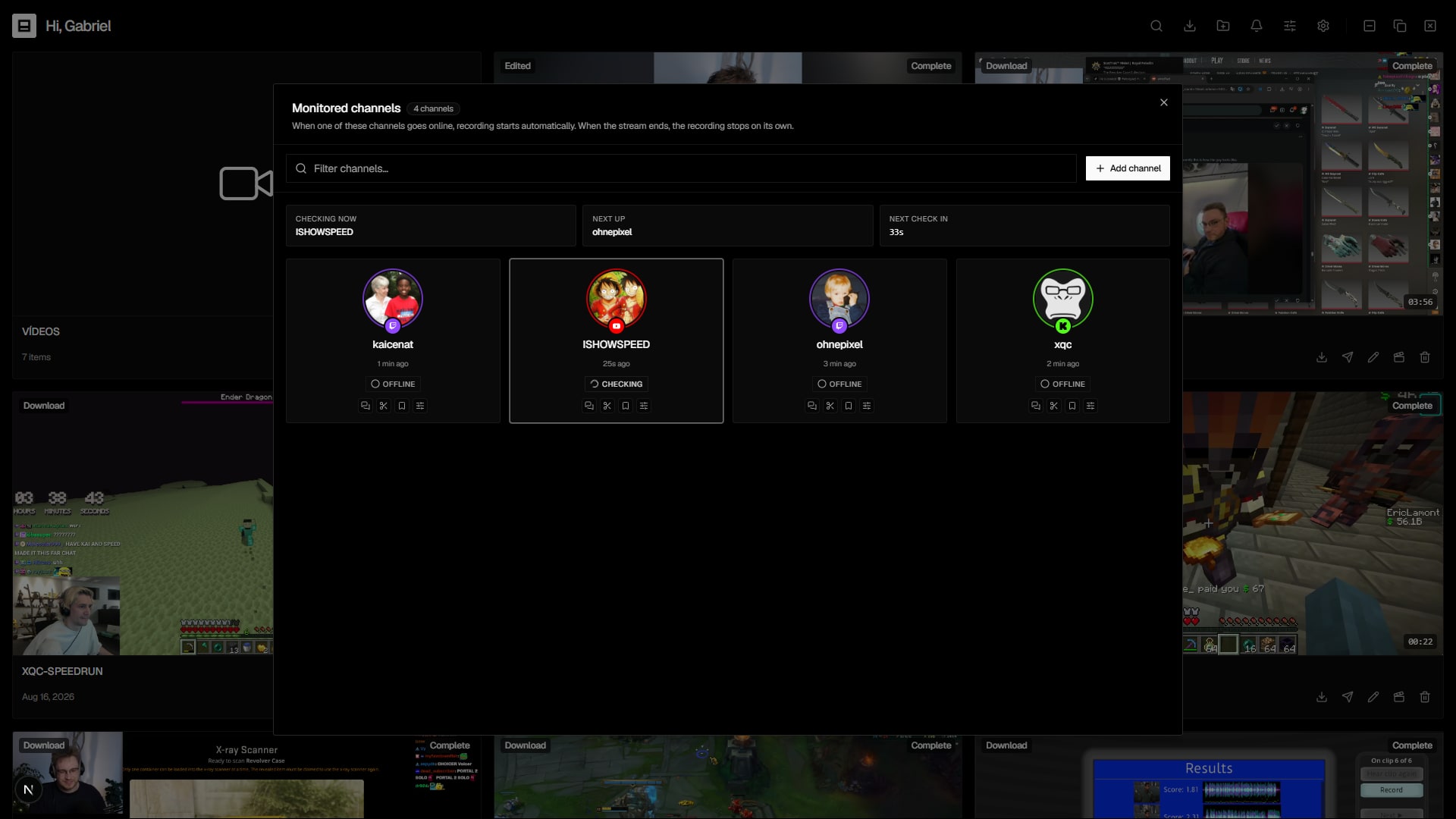
It watches the channels for you and records on its own

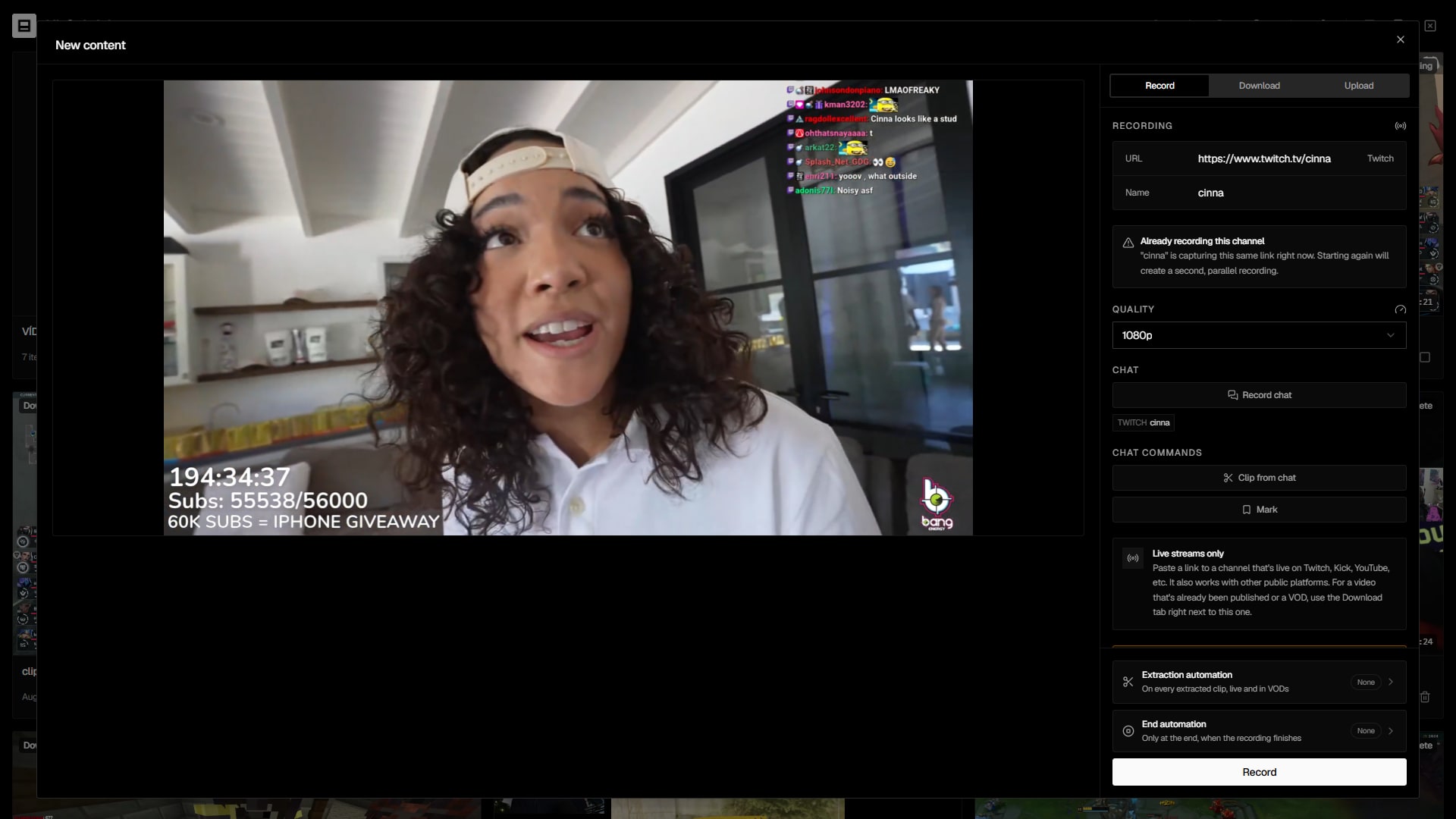
Add Twitch, YouTube and Kick channels. Clipaisso checks them in a round-robin, one per minute, and the moment someone goes live the recording starts automatically — then stops when the stream ends.

  • No API key: Clipaisso figures it all out on its own
  • Smart rotation that avoids platform rate-limits
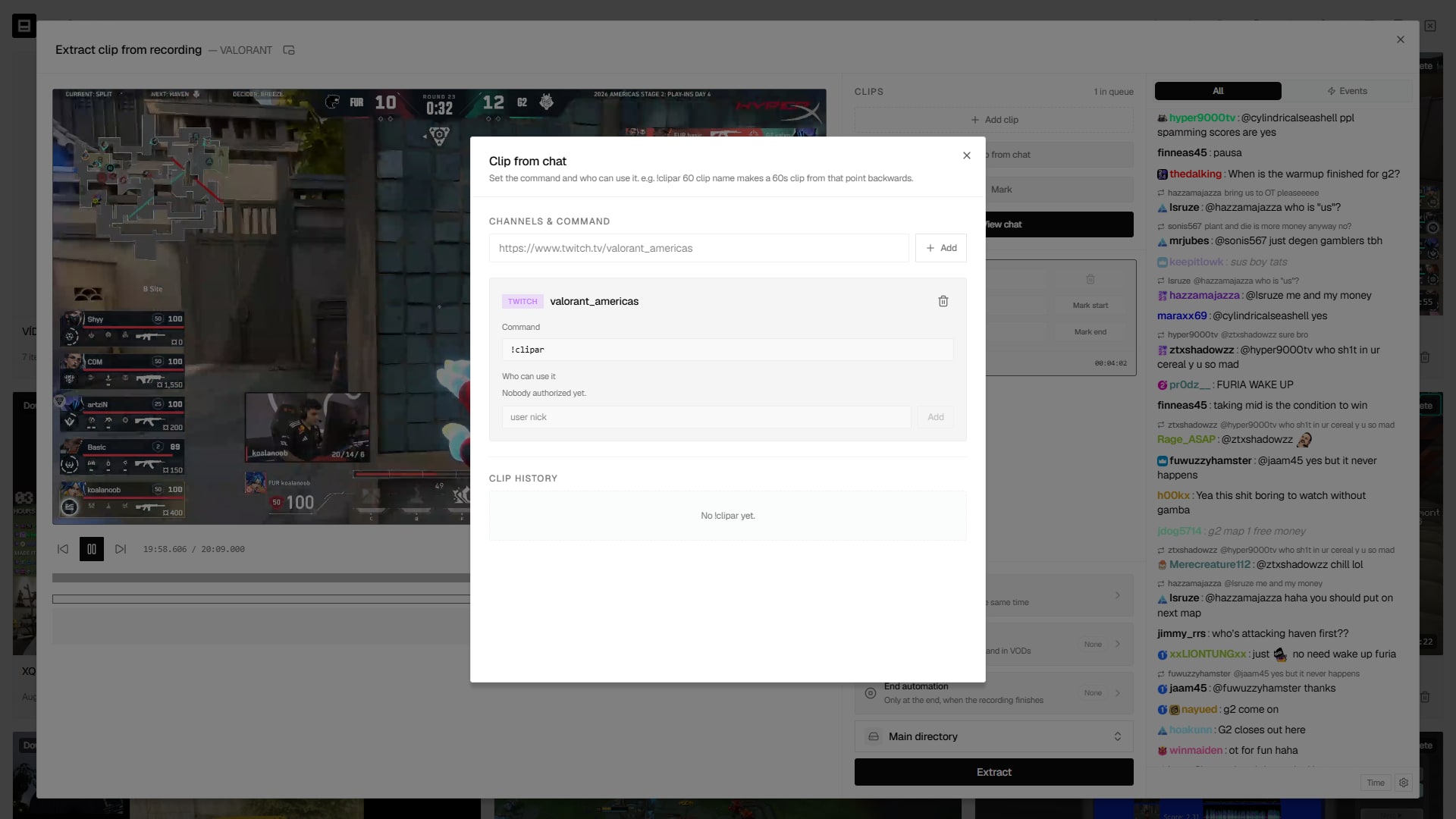
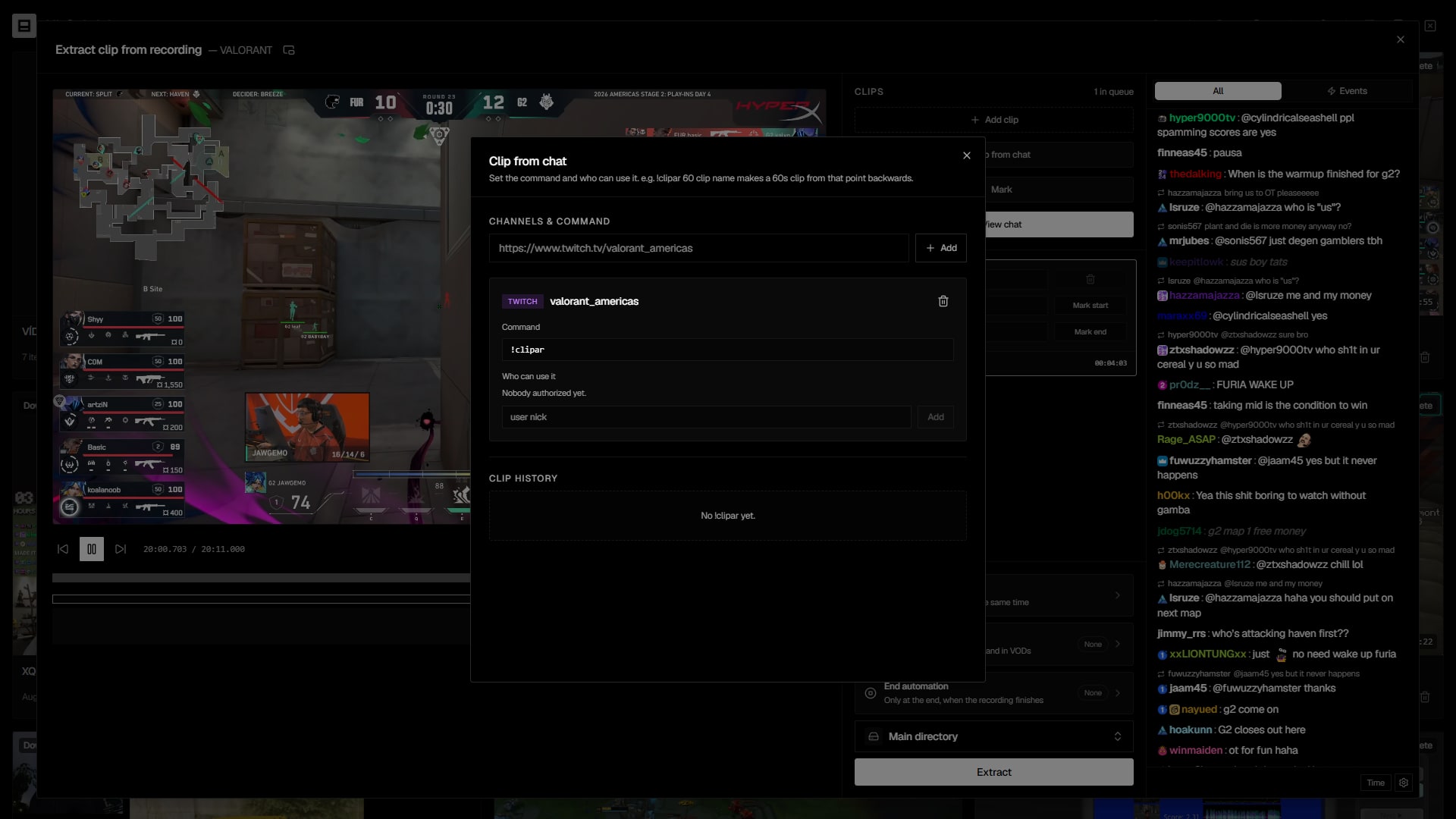
  • Extract clips from a live while it's still recording
Monitored channels
5
Checking now: pixelrayeNext up: zenith_arcade
novaplays
Recording
korvex_tv
Online
pixelraye
Checking
zenith_arcade
Offline
luna_vortex
Offline
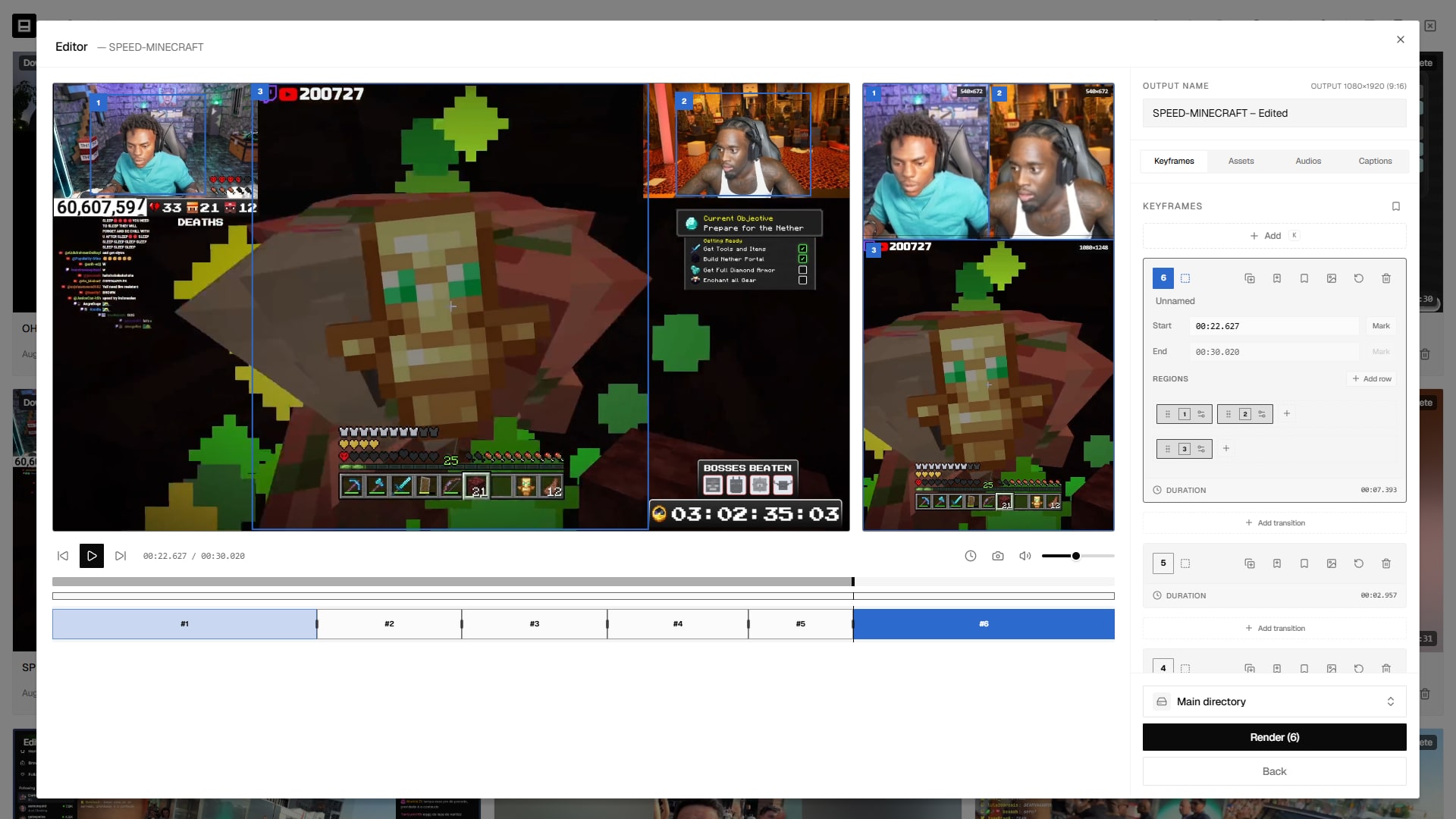
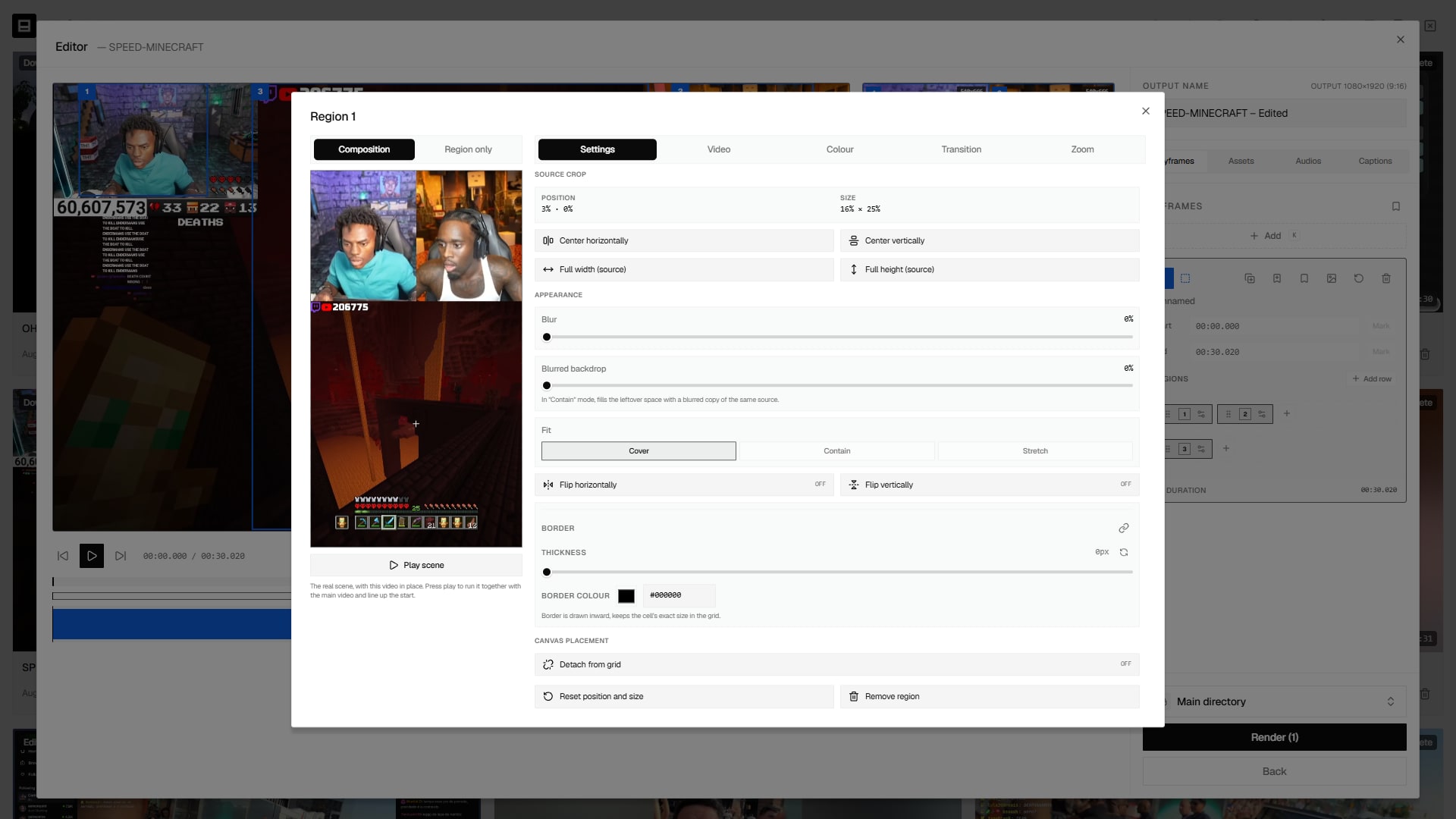
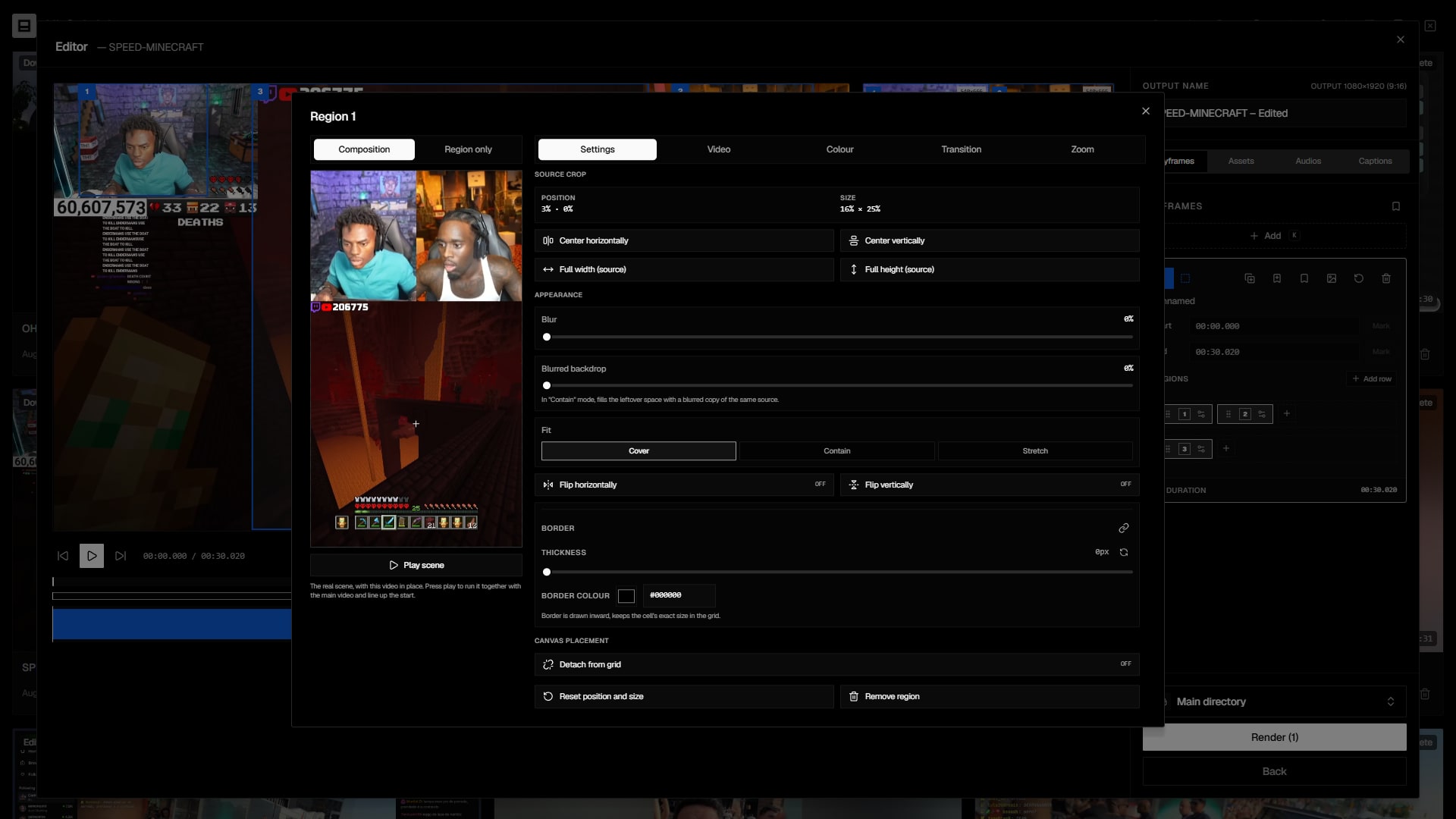
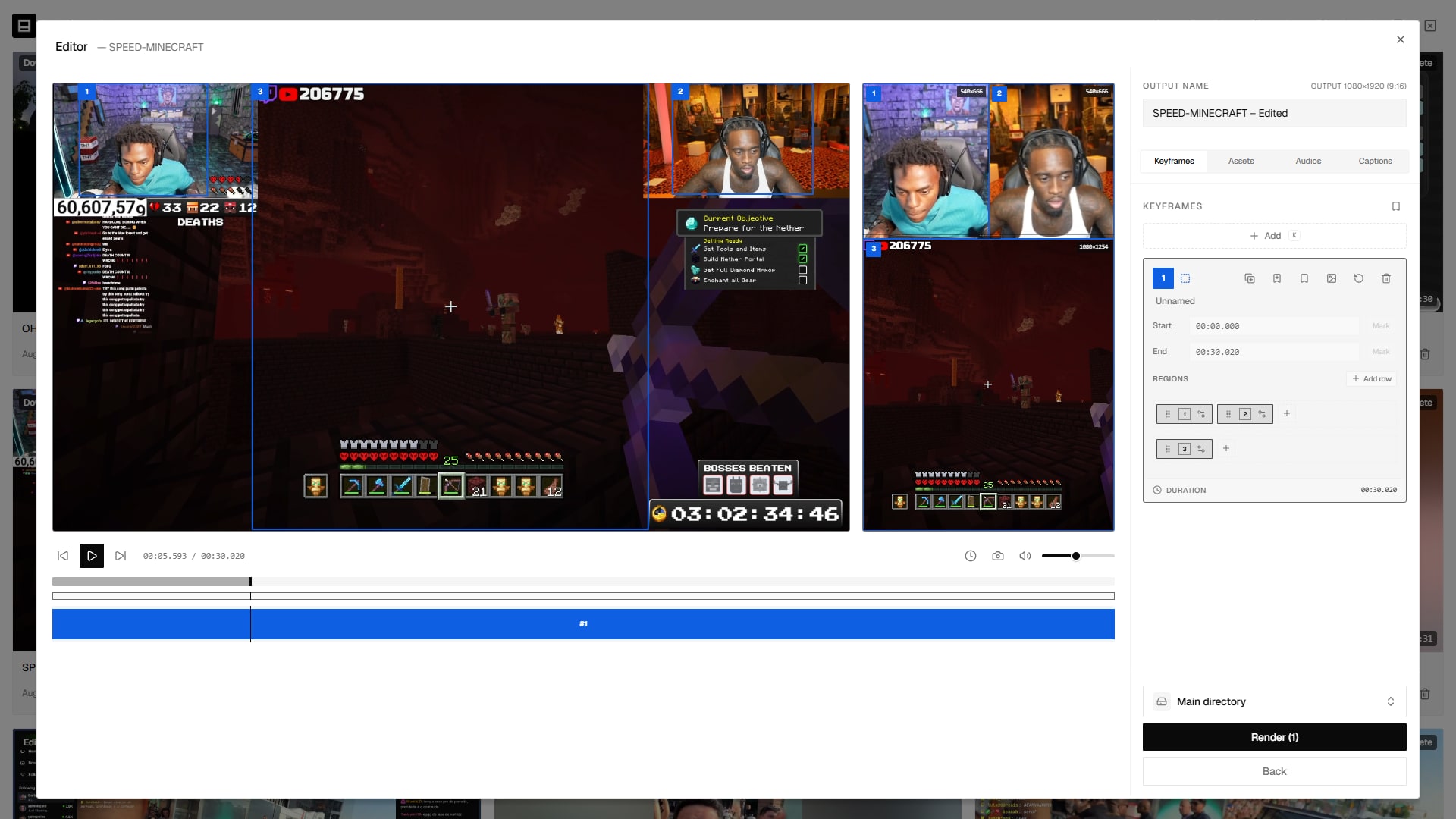
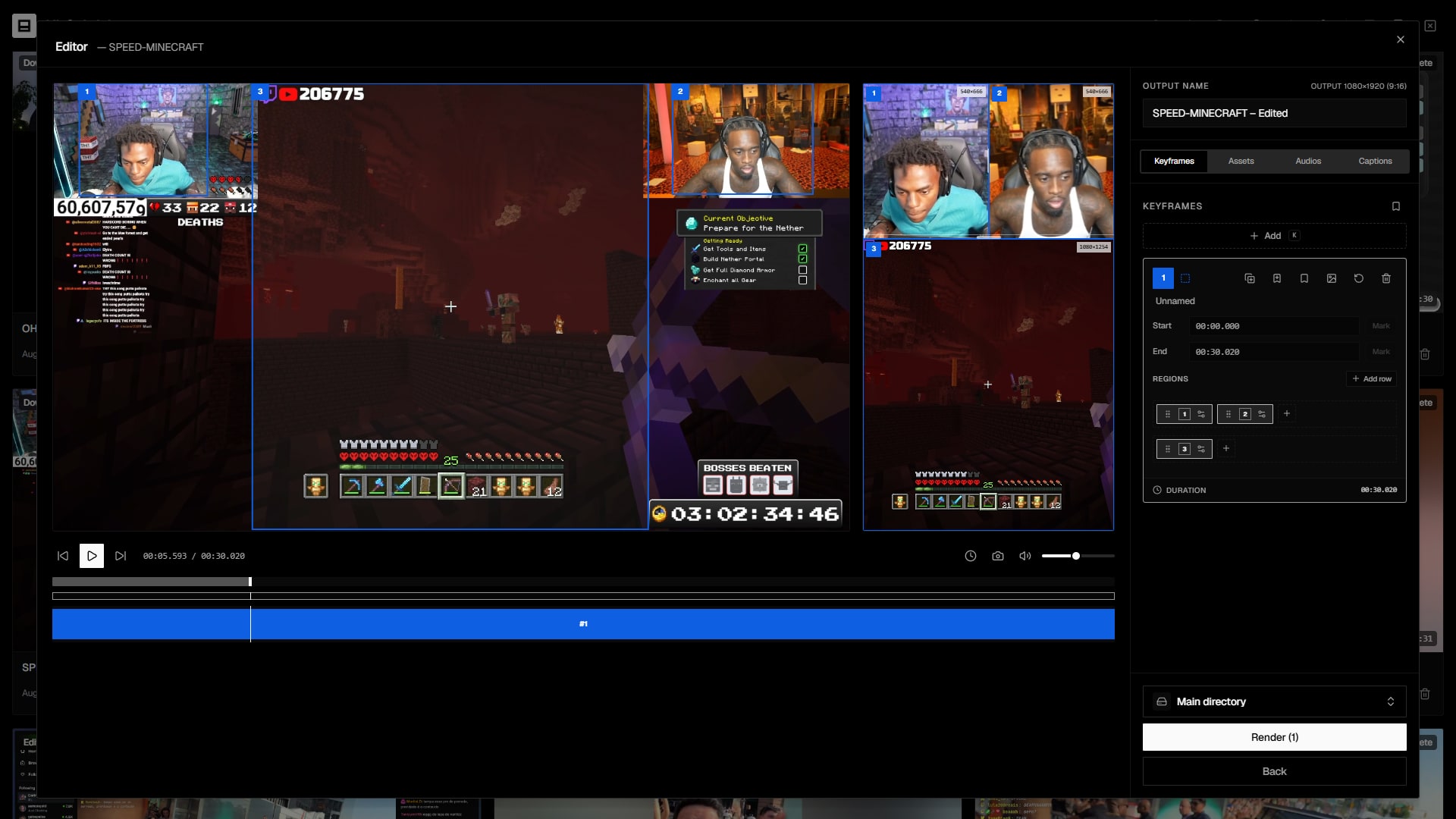
Vertical 9:16 editor

Compose the vertical clip with cam, gameplay and captions

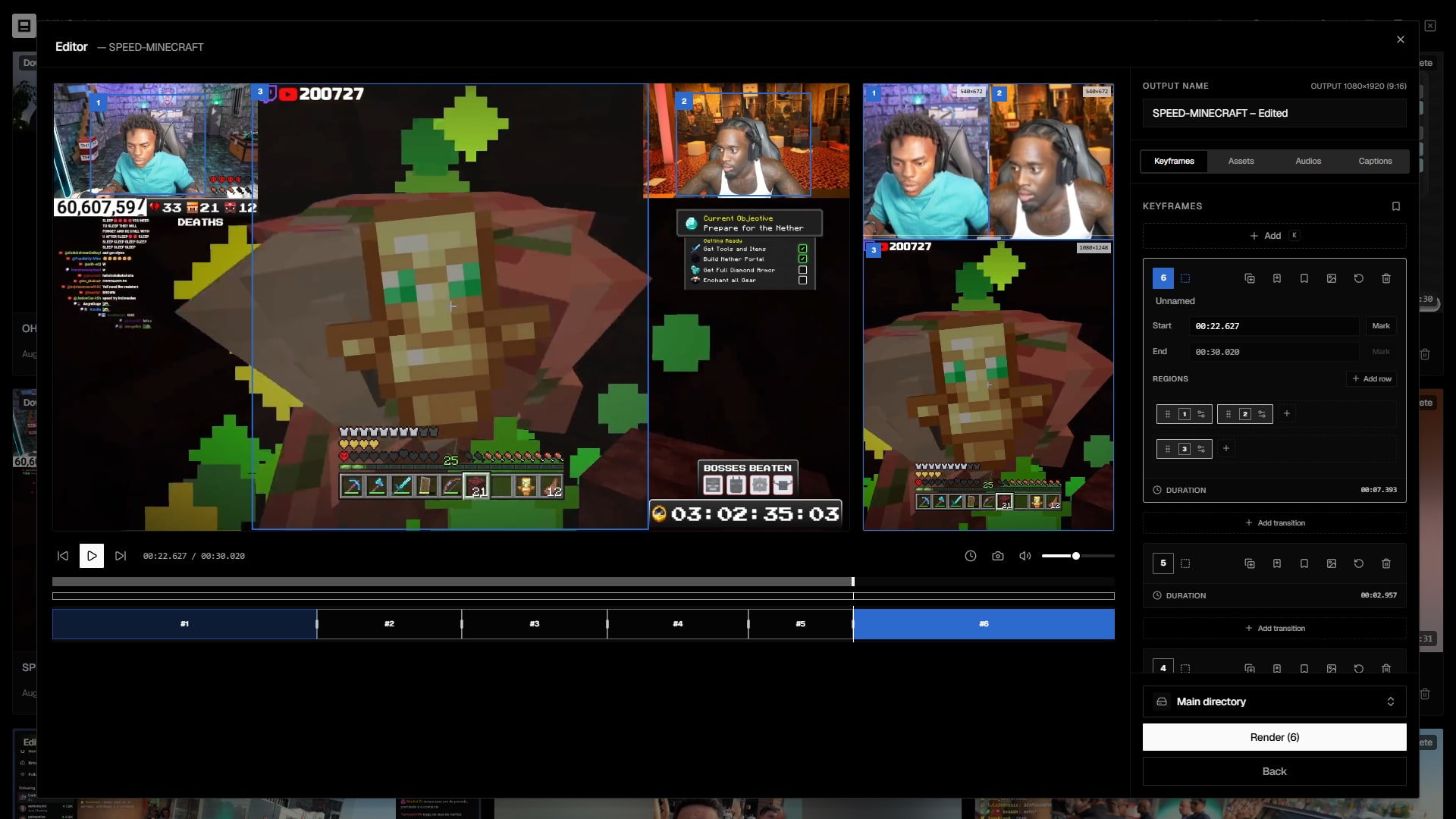
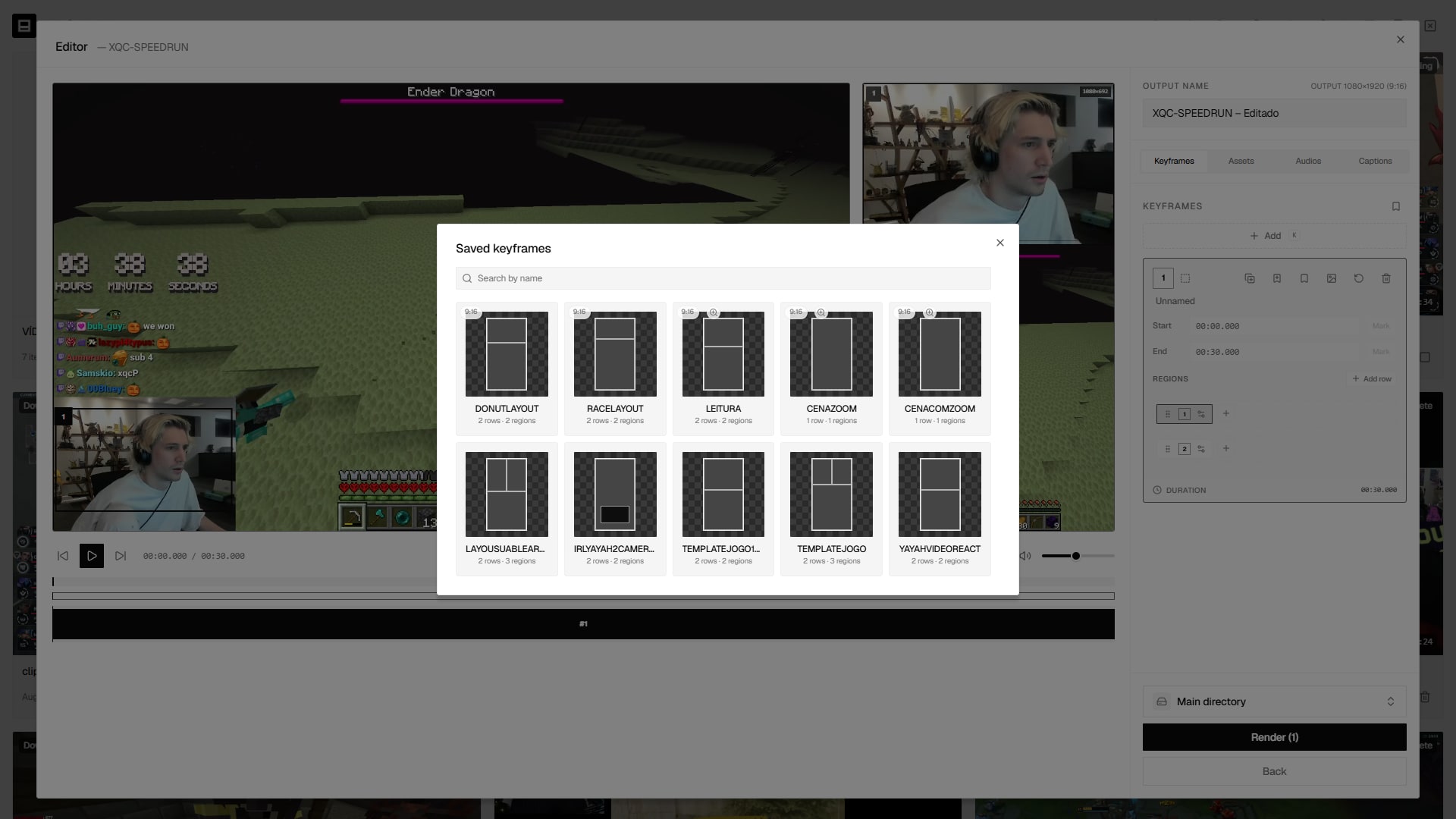
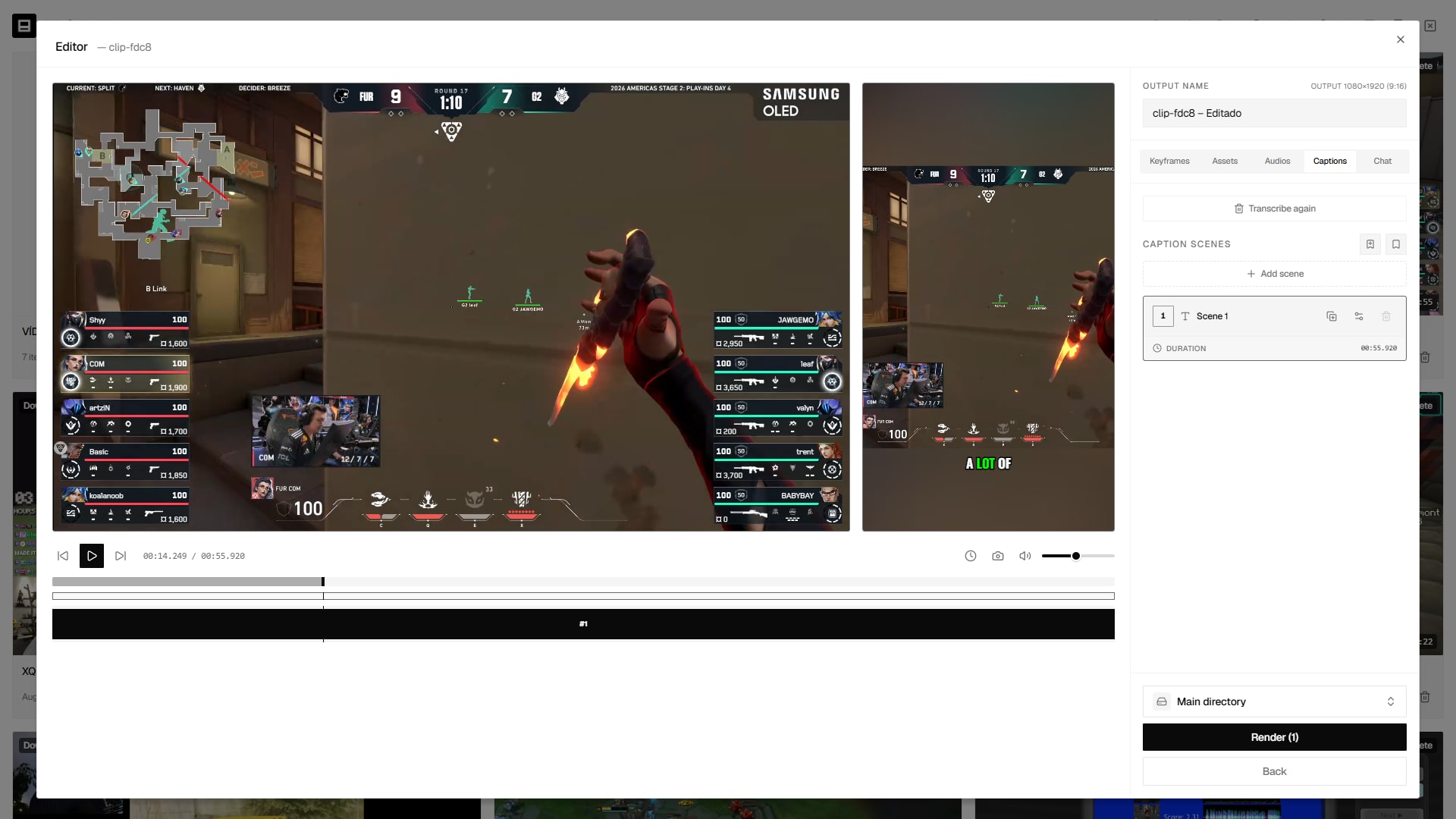
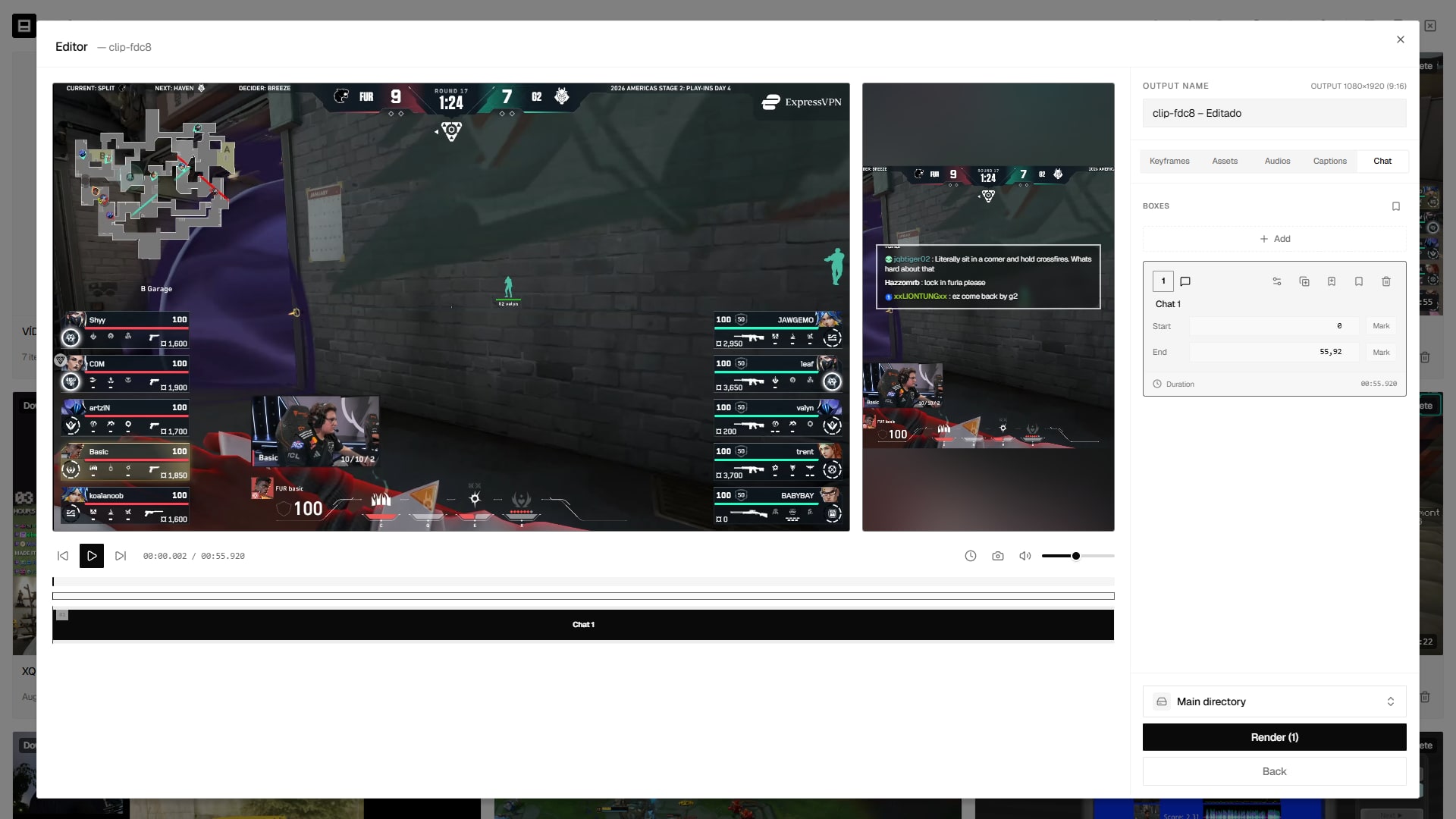
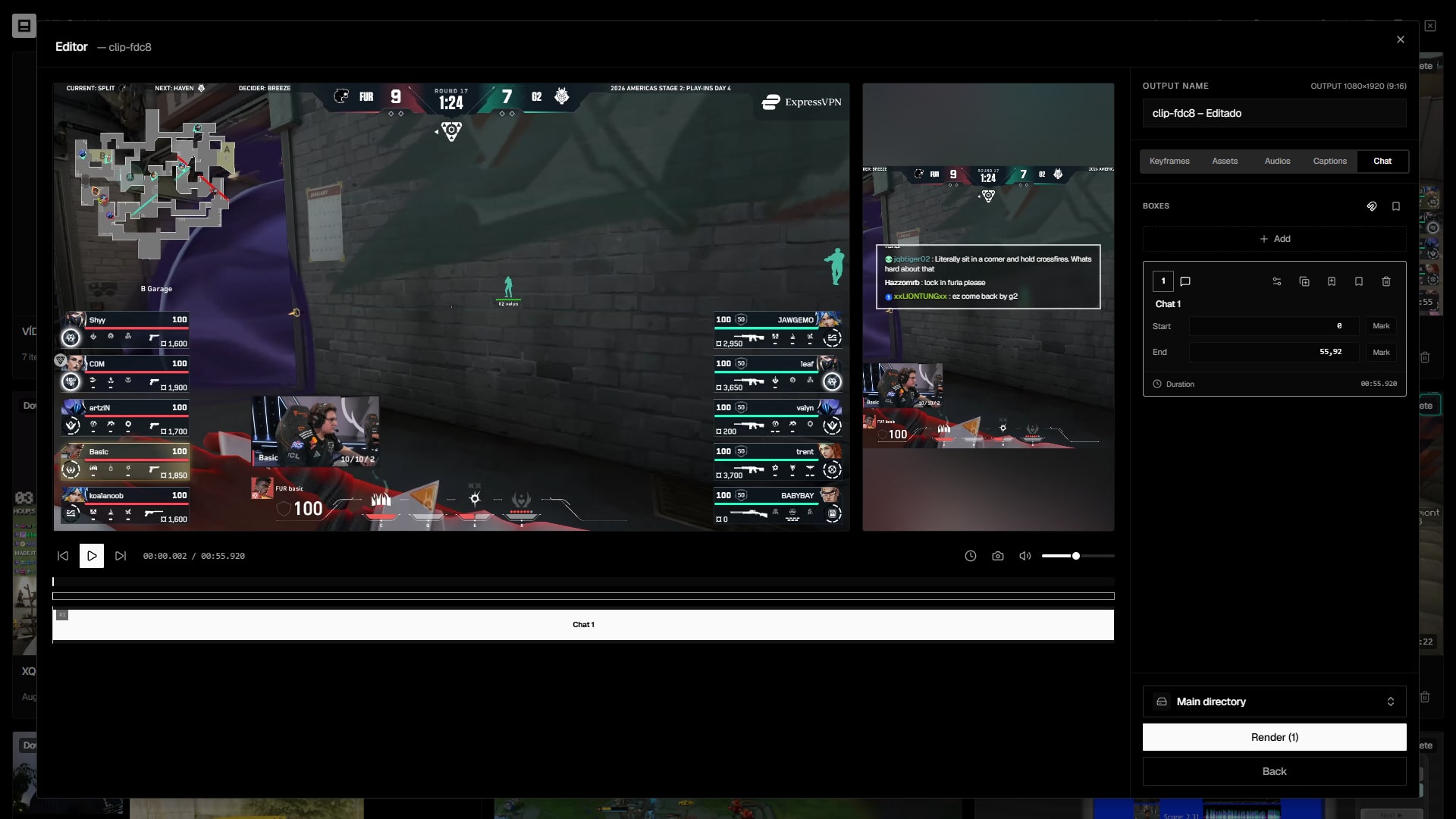
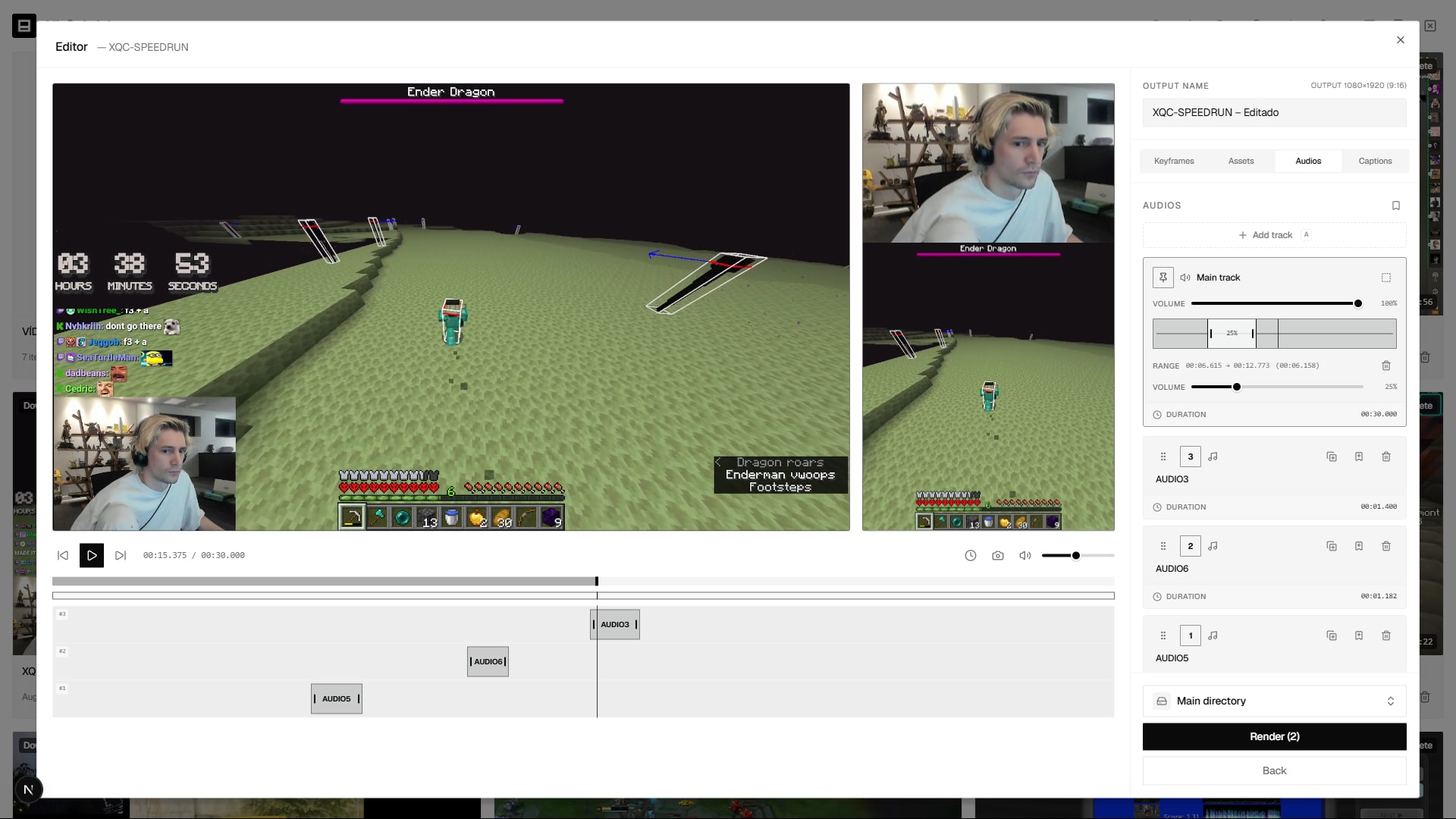
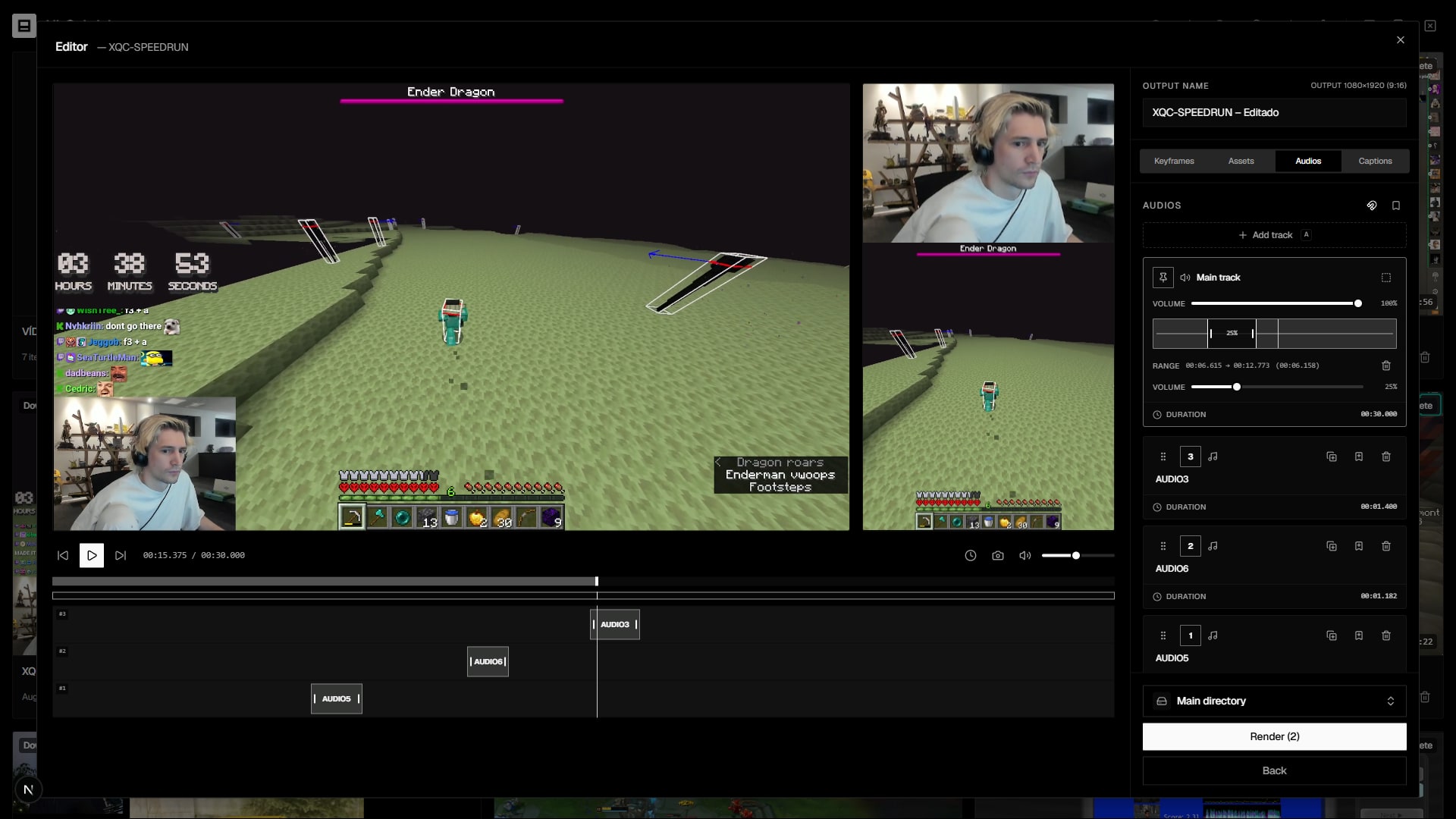
A 9:16 canvas with regions you crop and place: gameplay below, webcam on top, caption in the middle. Add text, shapes, GIFs and overlays, animate with keyframes and save presets to reuse.

Editor
16:9
00:23.0 / 00:59.0
#1
#2
9:16
1
2
Output name
clutch-vertical
KeyframesAssetsAudio
1
Intro
Start00:00.0MarkEnd00:18.0Mark
RegionsAdd row
1
2
Duration00:18.0
2Action00:24.0
AddRender (3)
Regions with crop, blurred backdrop and rounded corners
Text with built-in fonts plus your own custom fonts
Keyframes, presets and asset + audio layers
Cut, split, merge

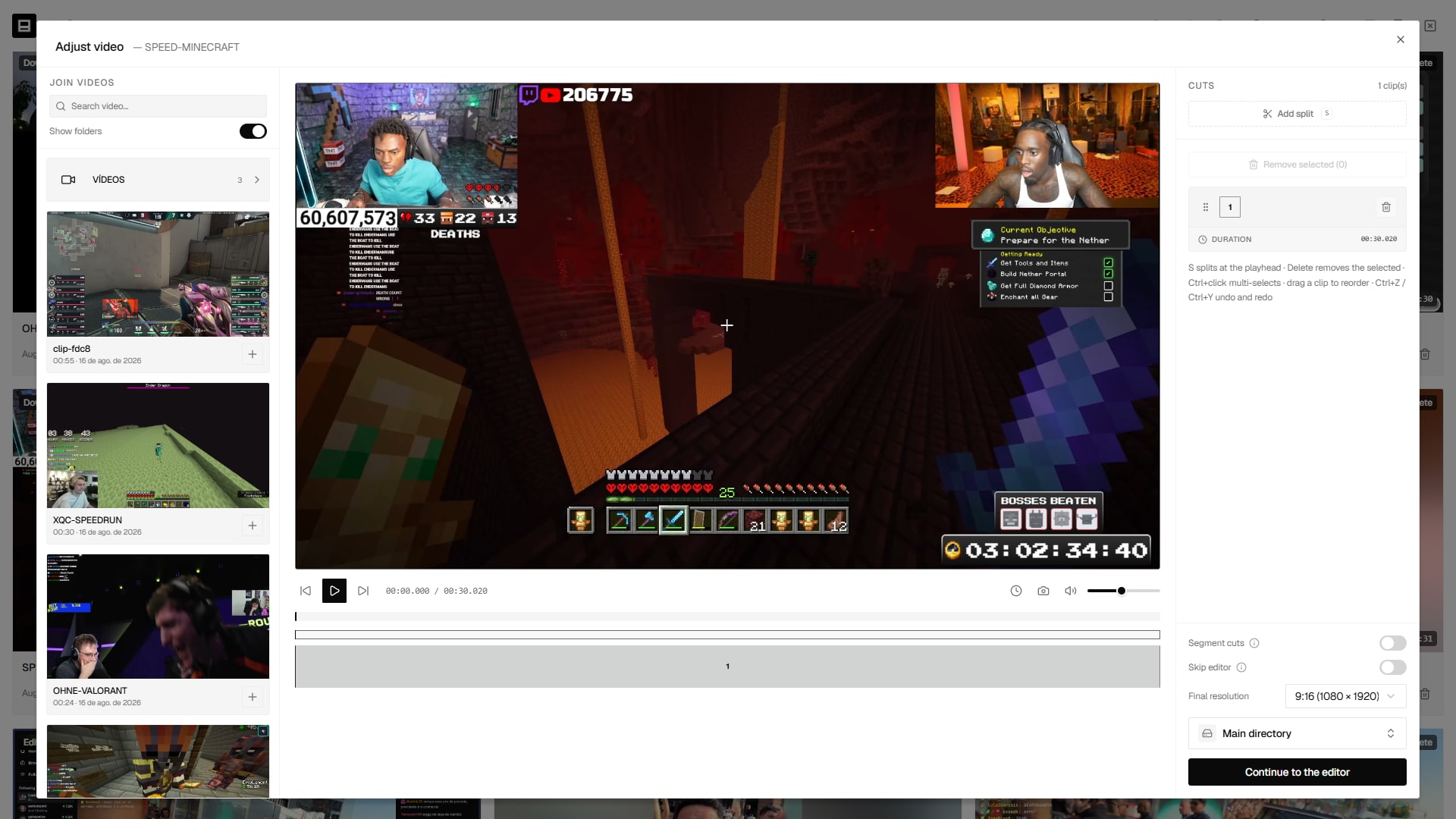
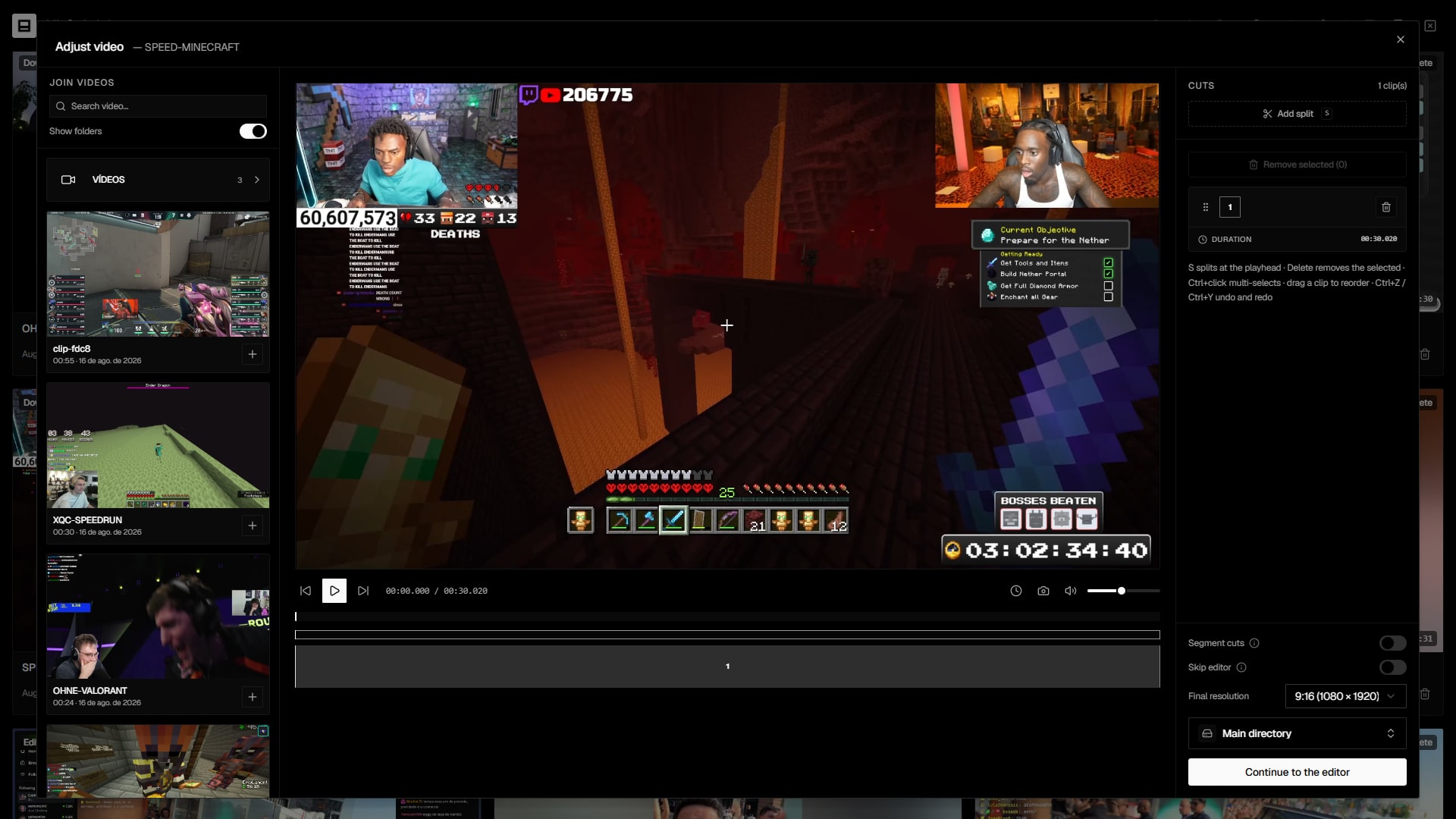
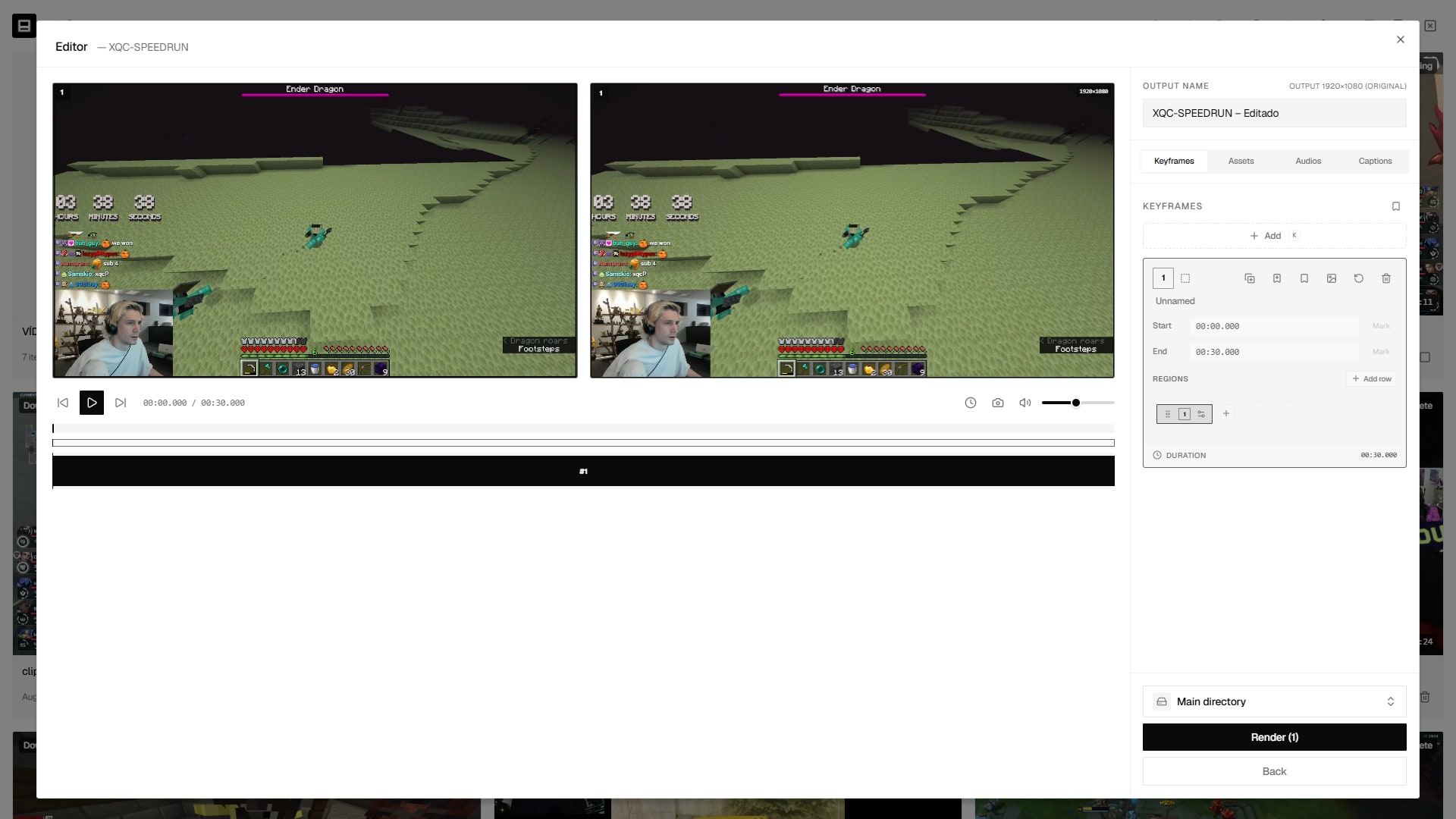
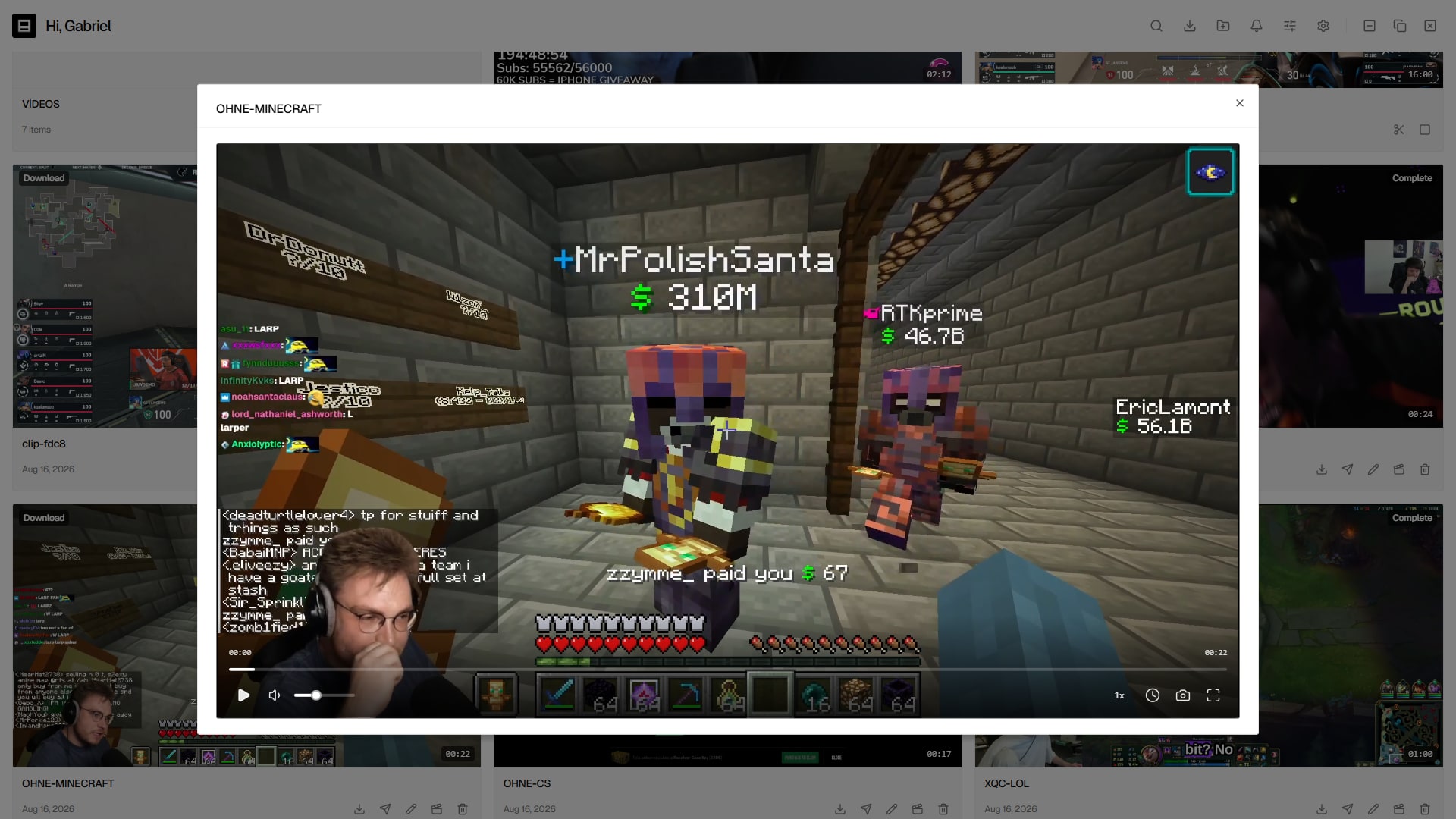
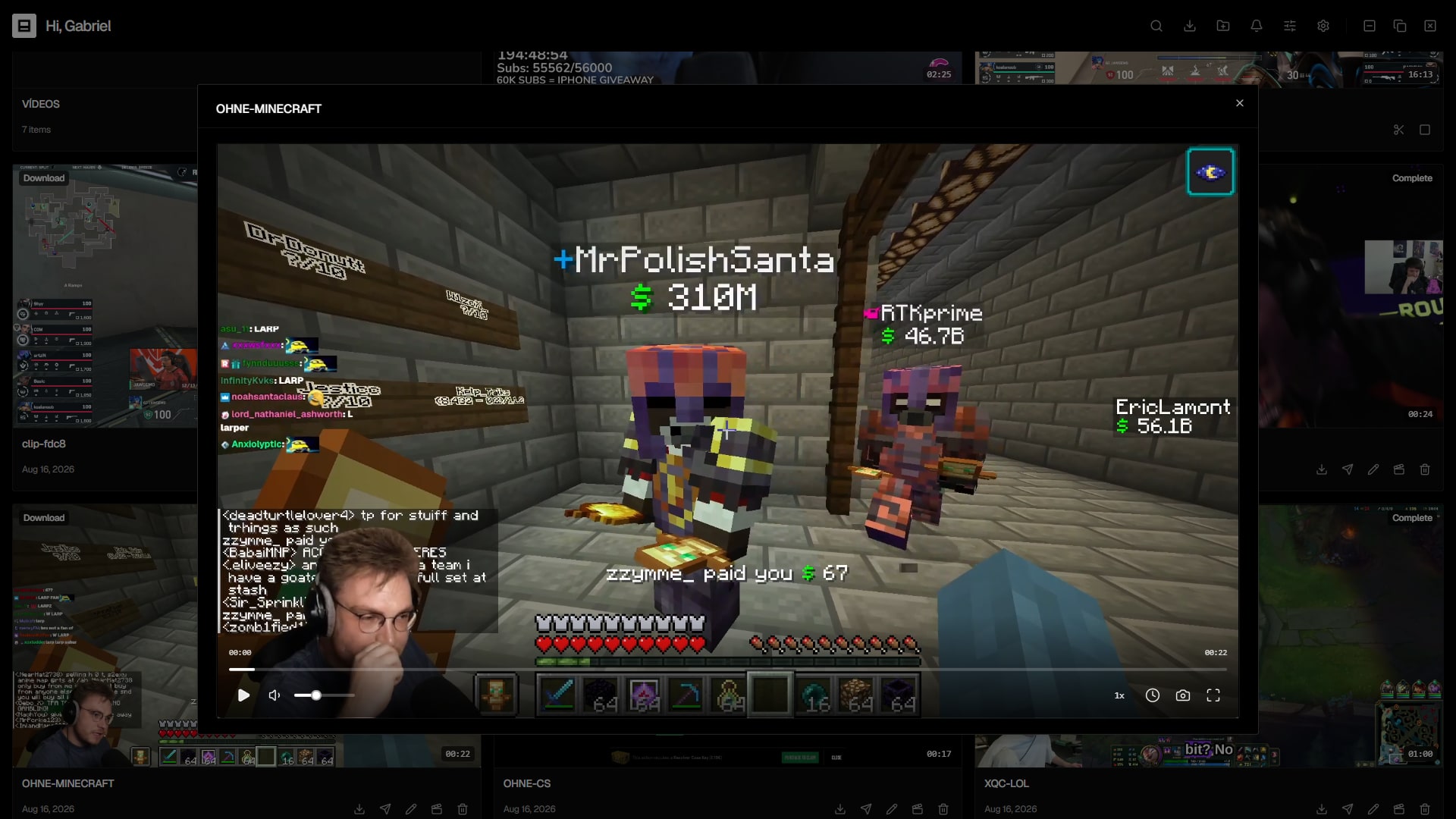
Trim, Segment and Merge to finish the material fast

Trim into several cuts, split a long video into numbered segments, or merge multiple clips into one playlist. All with a player, start/end marking and preview.

  • Trim: several cuts from one video
  • Segment: HIGHLIGHT-1, HIGHLIGHT-2…
  • Merge: stitch clips together (same resolution)
Trim
Segment
1
2
3
4
Merge
A
+
B
+
C
Publishing

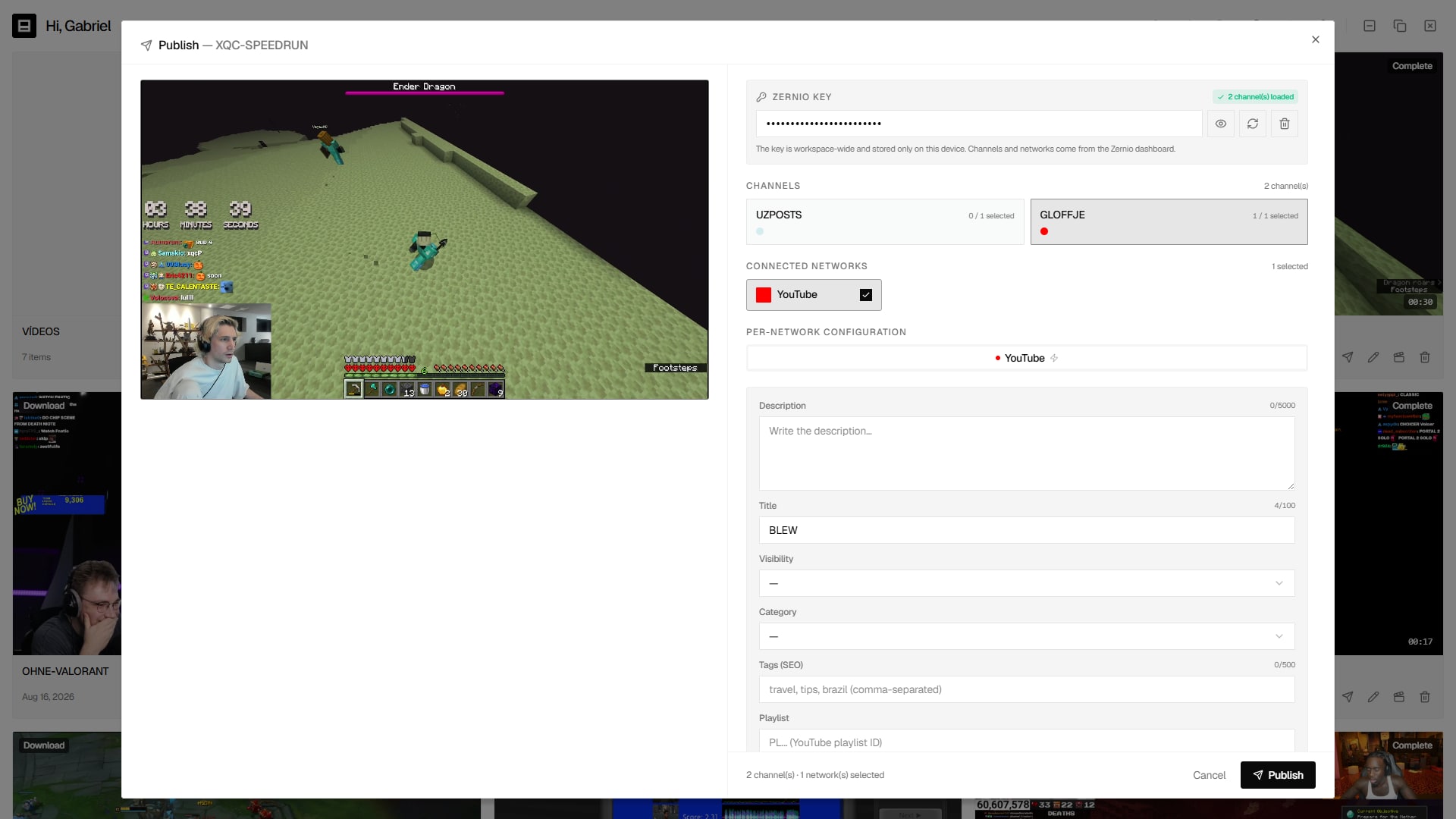
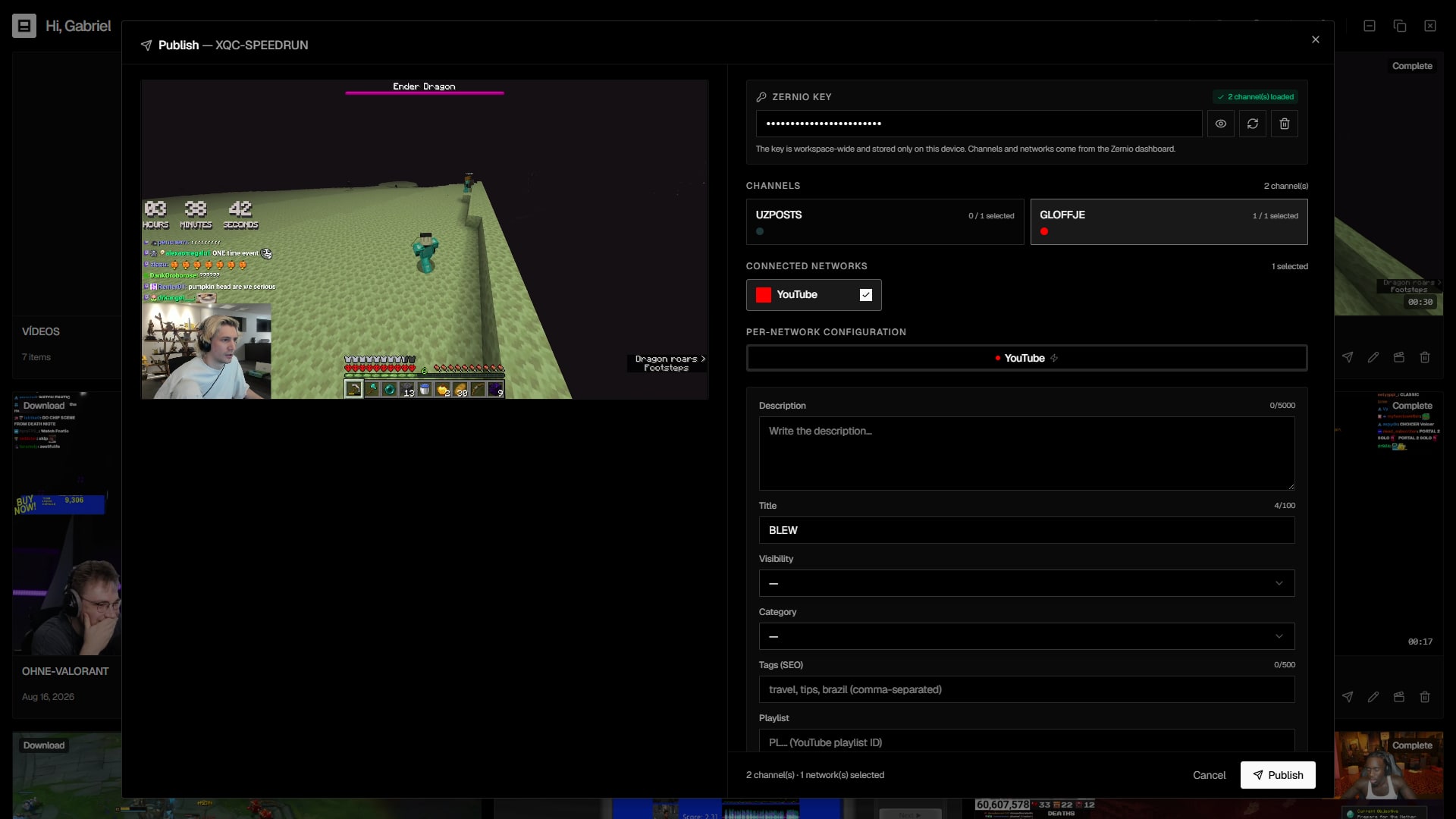
Publish to 10 networks at once, with scheduling

Connect your Zernio workspace and fire the clip to YouTube, Instagram, TikTok, X and more — each network with its own proper fields (title, hashtags, privacy, consent). Now or scheduled.

  • Per-network fields: category, privacy, collaborators…
  • Character-limit validation per platform
  • Publish now or schedule for later
YTYouTube
IGInstagram
TTTikTok
XX
inLinkedIn
fFacebook
@Threads
PPinterest
RReddit
BBluesky
4 networks selected
NowSchedule
Library & organization

A library that stays tidy as it grows

Group clips into colourful folders, filter and sort exactly how you like, and find anything in seconds.

Clipaisso
Hi, creatorManage your videos, recordings and downloads.

Highlights

18 items

Viral cuts

7 items
Clip 1VODComplete08:14

Clip 1

Youtube
Clip 2EditedComplete00:48

Clip 2

Edited
Clip 3DownloadComplete45:00

Clip 3

Youtube
Clip 4VODComplete01:12

Clip 4

Twitch
Clip 5DownloadComplete06:30

Clip 5

Youtube
Clip 6VODComplete02:40:00

Clip 6

Kick
And there's plenty more

The details that keep your clip library from becoming a mess

Folders

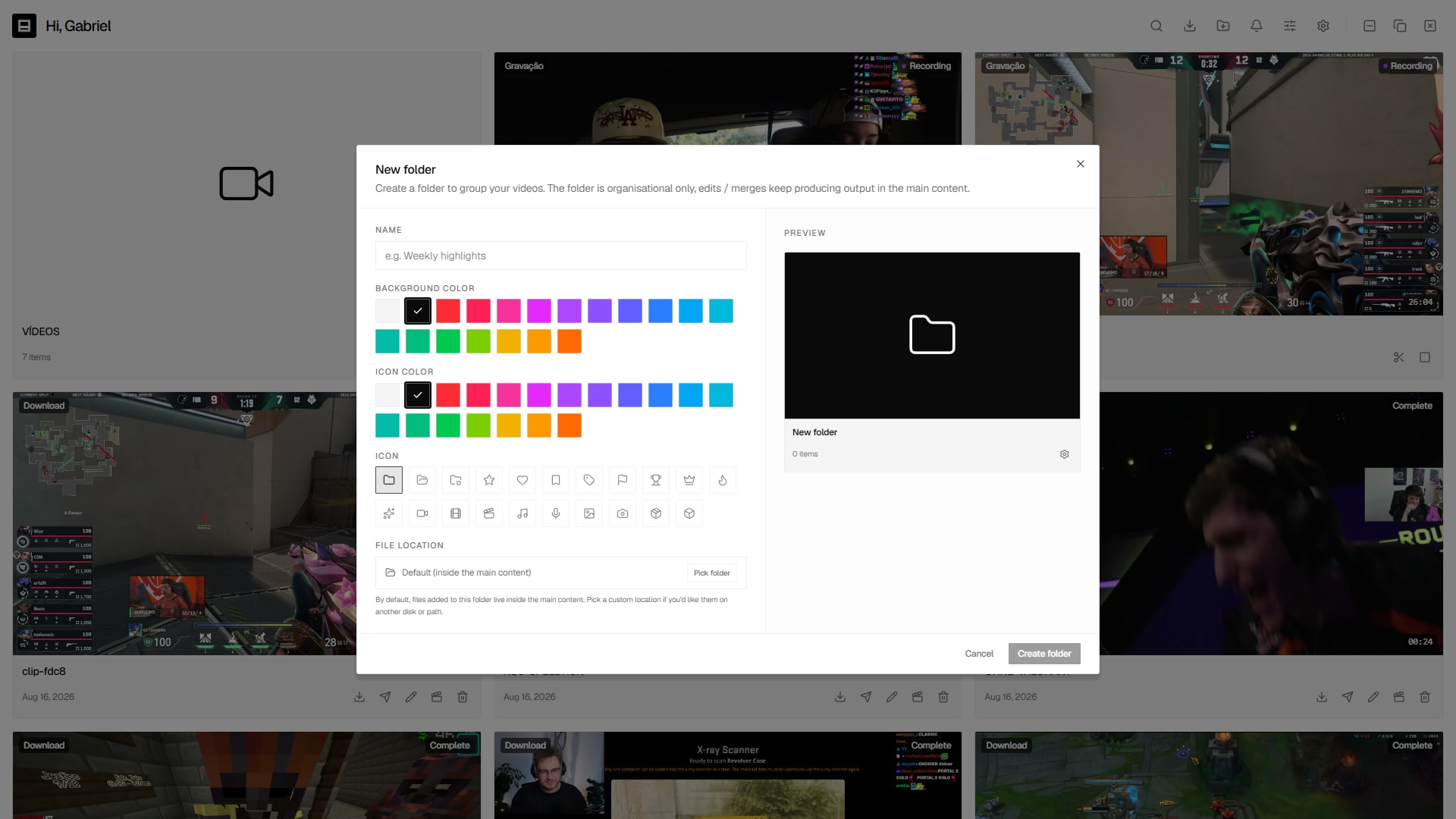
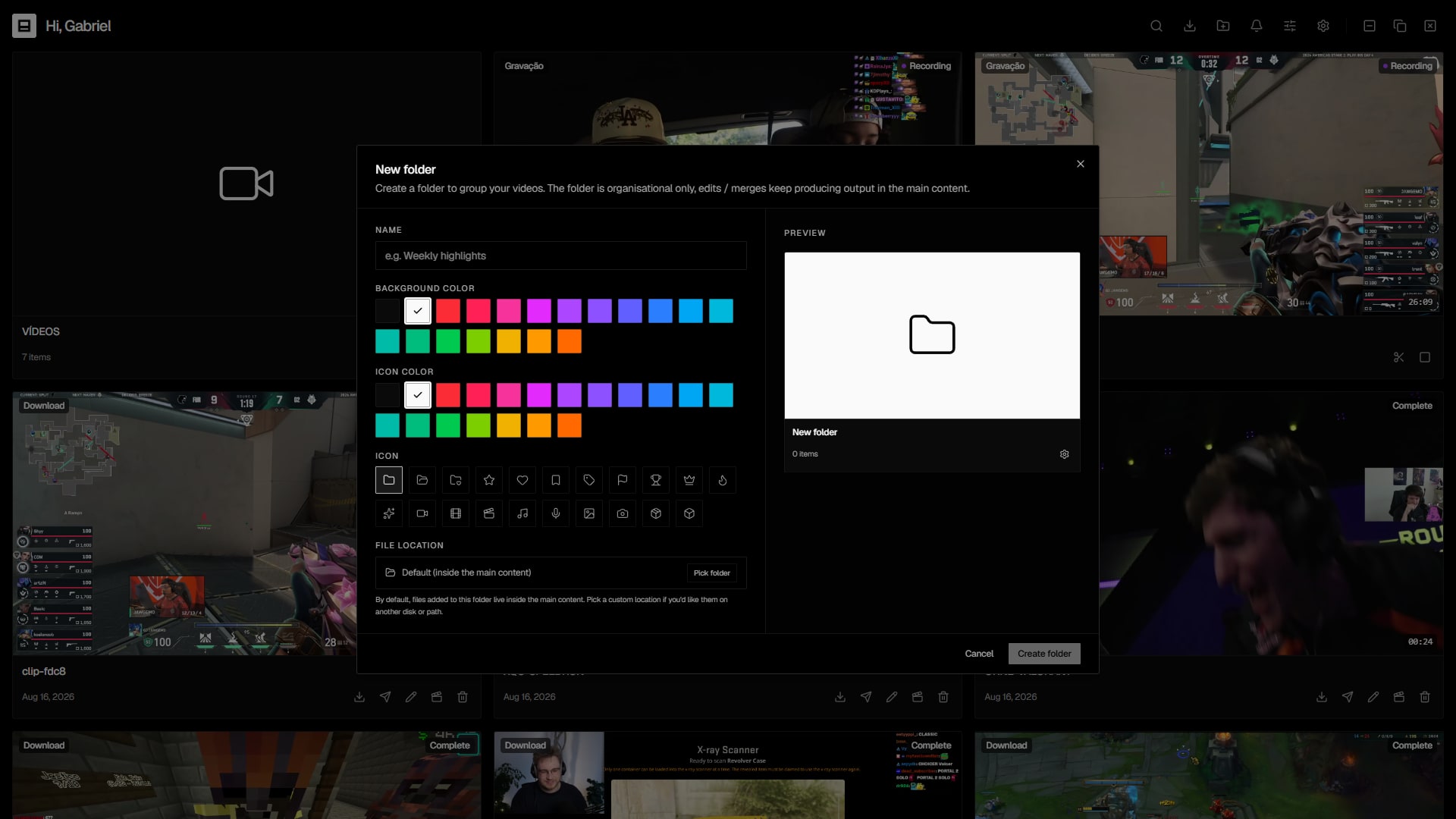
Group clips by project, with colour, icon and even on another disk.

Filters & sorting

Sort by status, date, duration, platform — and save it your way.

Search

Find any video, inside folders or out.

Storage

See usage by type and free up space in one click.

Encoder

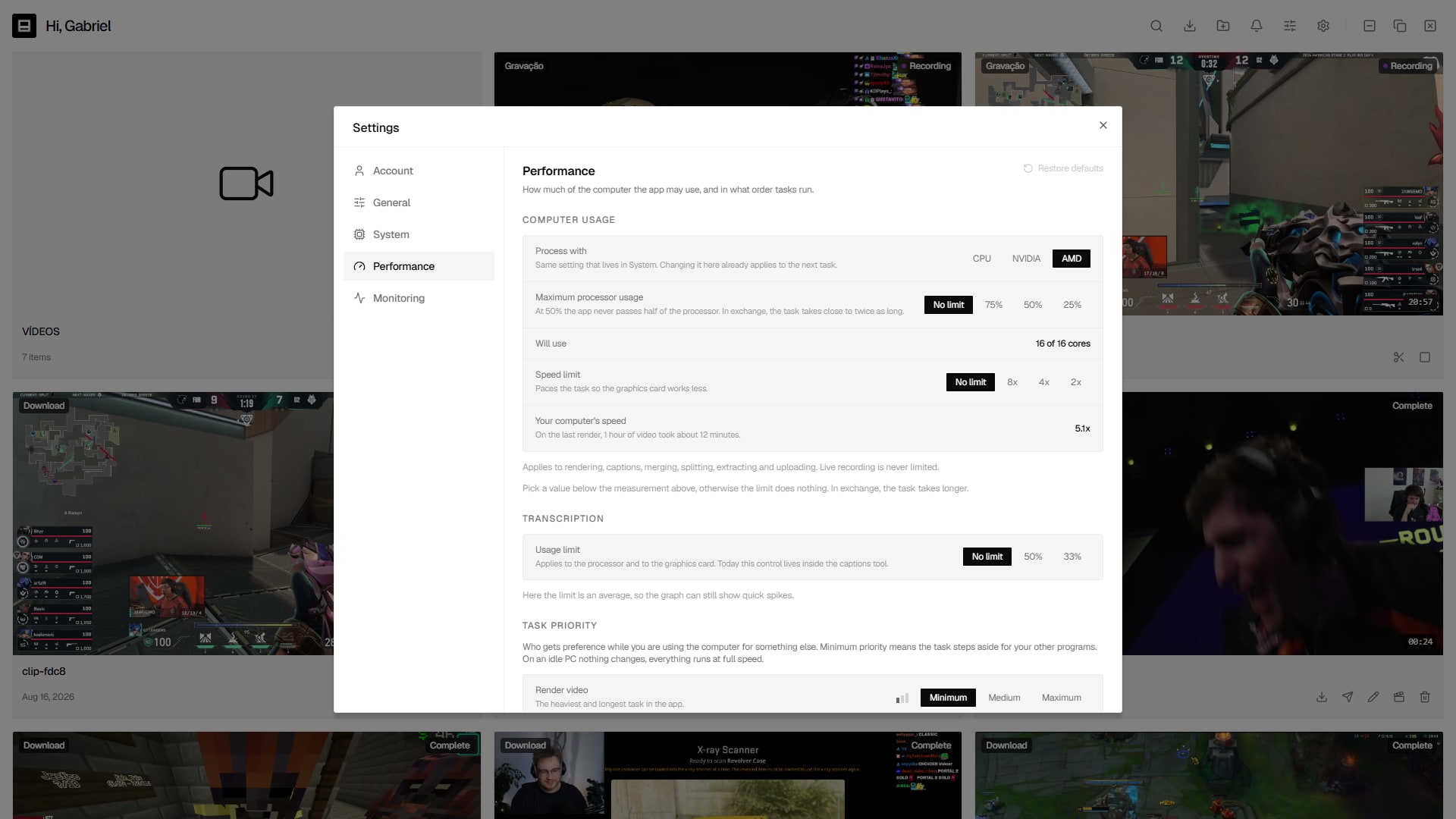
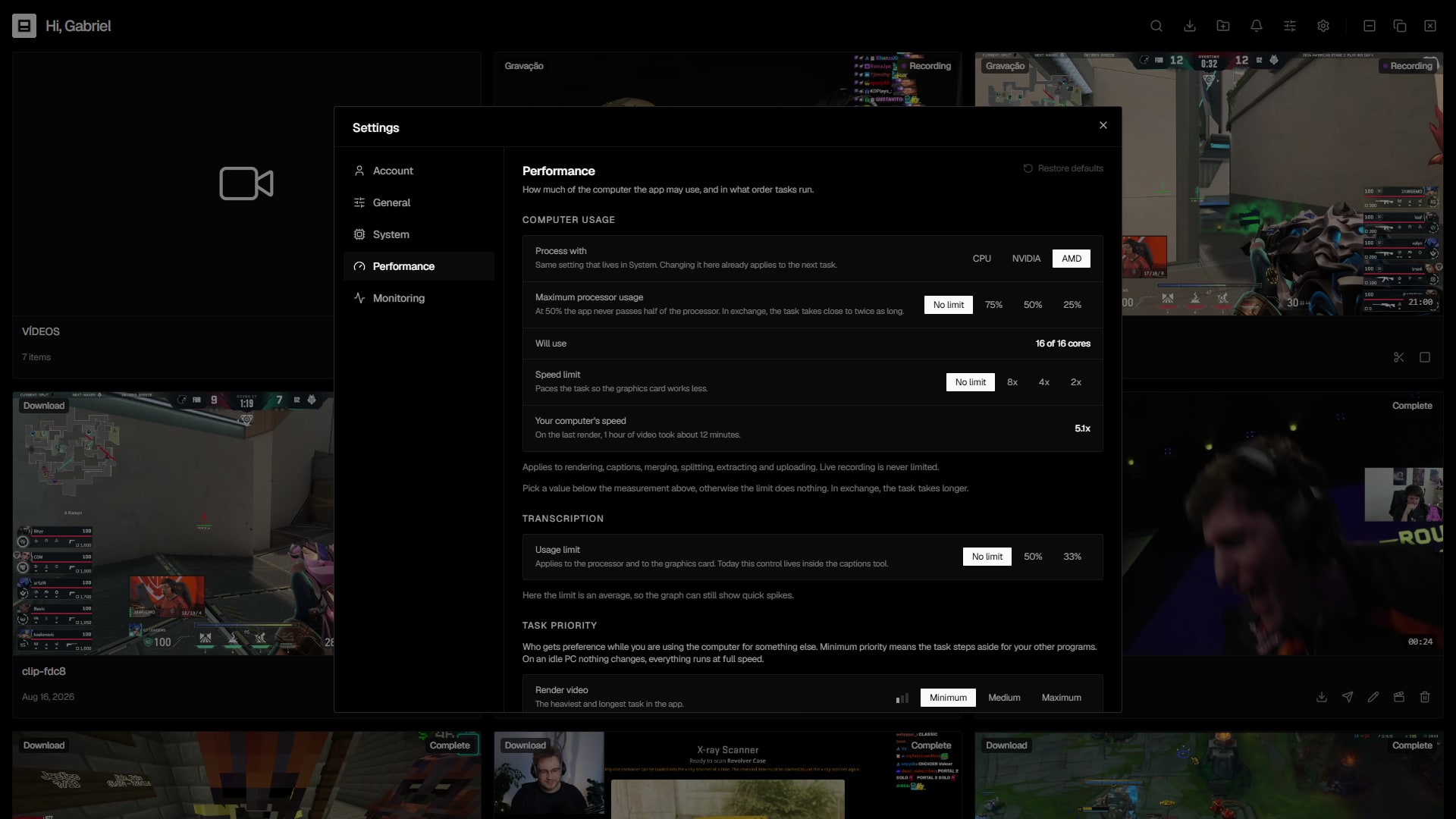
CPU, NVIDIA NVENC or AMD AMF — you pick the speed.

Fonts

Use the built-in fonts or upload your own (TTF, OTF, WOFF).

Overlays

A library of images, GIFs and videos to apply per keyframe.

Updates

Signed, automatic updates — always on the latest version.

Premium

Premium comes with your Twitch sub

Subscribe to the channel on Twitch, connect your account and redeem Premium. Renewal is monthly and redeeming is manual.

Premium

Premium via Twitch

Premium for subscribers of the gloffje channel on Twitch. Connect your account and redeem; each month, renew the sub and redeem again.

  1. 1
    Subscribe on TwitchGrab a sub to the gloffje channel.
  2. 2
    Connect & redeemConnect your Twitch account in the web app and redeem Premium.
  3. 3
    Renew each monthWhen your sub renews, redeem Premium again — redeeming is manual.
Connect & redeem

Redeeming is manual: each month, renew your Twitch sub and redeem Premium again.

Benefits

Unlimited clipsMake as many clips and downloads as you need, with no monthly cap.
Advanced editorPer-range audio volume, text, images, shapes and effects.
Live monitoringAuto-detects when your favourite channels go live on Twitch, YouTube or Kick.
High-res exportExport at the source's original resolution, no quality loss.
Full historyTrack every clip you've downloaded and recorded inside the app.
Priority supportGet direct help from the team whenever you need.
FAQ

Questions, answered

To record live streams that leave no VOD. Clipaisso watches your channels and starts recording automatically the moment a broadcast goes live, so no moment is ever lost.

Almost any public video platform — Twitch, YouTube and Kick get first-class support, including the visual timeline and live monitoring.

Subscribe to our Twitch channel, connect your account in the web app and redeem Premium. It isn't automatic: each month you renew the sub and redeem Premium again.

Editing, cutting and the player all run locally on your machine. Downloading, recording and publishing need an internet connection.

Not where it can be avoided: you choose the encoder (CPU, NVIDIA or AMD) to balance speed and quality.

Today Clipaisso is a desktop app for Windows 10/11.

Your next viral clip starts here

Download Clipaisso and turn your live streams into vertical content in minutes.